Session 1: This week we will begin exploring sound as media for creative coding. This area is fascinating, expansive and allows for sample playback, recording, signal processing, and sound synthesis. One of the best ways to get started with sound is through the Web Audio API. The Web Audio API is quite complicated to use, but P5js includes the p5.sound library that simplifies many typical uses for audio. Here are some P5js examples:
Microphone:
https://archive.p5js.org/examples/sound-mic-input.html
https://archive.p5js.org/examples/sound-frequency-spectrum.html
https://archive.p5js.org/examples/sound-mic-threshold.html
Sample Playback:
https://archive.p5js.org/examples/sound-load-and-play-sound.html
https://archive.p5js.org/examples/sound-sound-effect.html
https://archive.p5js.org/examples/sound-measuring-amplitude.html
Sound Processing:
https://archive.p5js.org/examples/sound-filter-bandpass.html
https://archive.p5js.org/examples/sound-filter-lowpass.html
https://archive.p5js.org/examples/sound-playback-rate.html
https://archive.p5js.org/examples/sound-pan-sound.html
https://archive.p5js.org/examples/sound-delay.html
Synthesis:
https://archive.p5js.org/examples/sound-oscillator-frequency.html
https://archive.p5js.org/examples/hello-p5-song.html
https://archive.p5js.org/examples/sound-noise-drum-envelope.html
https://archive.p5js.org/examples/sound-note-envelope.html
https://archive.p5js.org/examples/sound-frequency-modulation.html
Assignment 3: Interactive Experiment (9 Points)
Due: Session 2, Week 9 (Beginning of Class)
Use HTML5 and P5.js to make a visual application that includes a graphical user interface (UI) and responds to a minimum of three of the following input methods: 1) Sound pressure levels (SPL) and/or frequencies (Hertz) sensed by a microphone. 2) Prerecorded audio files or sound synthesis/sequencing. 3) Video signals captured through a webcam. 4) Prerecorded video files. 5) Keyboard, mouse, trackpad, or touch data.
Requirements:
- Setup your HTML5 and P5.js environment
- Create a user interface for your application that has three or more input methods
- Use at least three of the following six input methods to interact with the piece:
- Sound pressure levels (SPL) and/or frequencies (Hertz) sensed by a microphone
- Prerecorded audio files
- Video signals captured through a webcam
- Prerecorded video files or sound synthesis/sequencing
- Mouse, trackpad, or touch data
- Keyboard input
- Use the setup() and draw() functions to animate objects that respond to the inputs
- Try rotating the shapes in response to the mouse movement
- Try using the interface to effect color, dimensions, and velocity
Lab 1: Today we will continue exploring the p5.sound library.
Problem Set 6: P5js and Sampled Sound
Due: Week 8, Lab 1 (3 points)
Use the Web Audio API via the p5.sound library to explore sampled sound in conjunction with the HTML5 canvas. Start by playing a sound during an animated event, such as an object changing direction when reaching the canvas borders. Layer sounds so that environmental ambience is heard in the background. Compare the “sustain” and “restart” play modes.
1. Problems sets are due by the next lab or the specified due date.
2. Submit answers on Canvas uploaded as HTML, JavaScript, CSS, .zip or otherwise as noted.
3. Solutions to each problem set will be given during demos on the day that they are due.
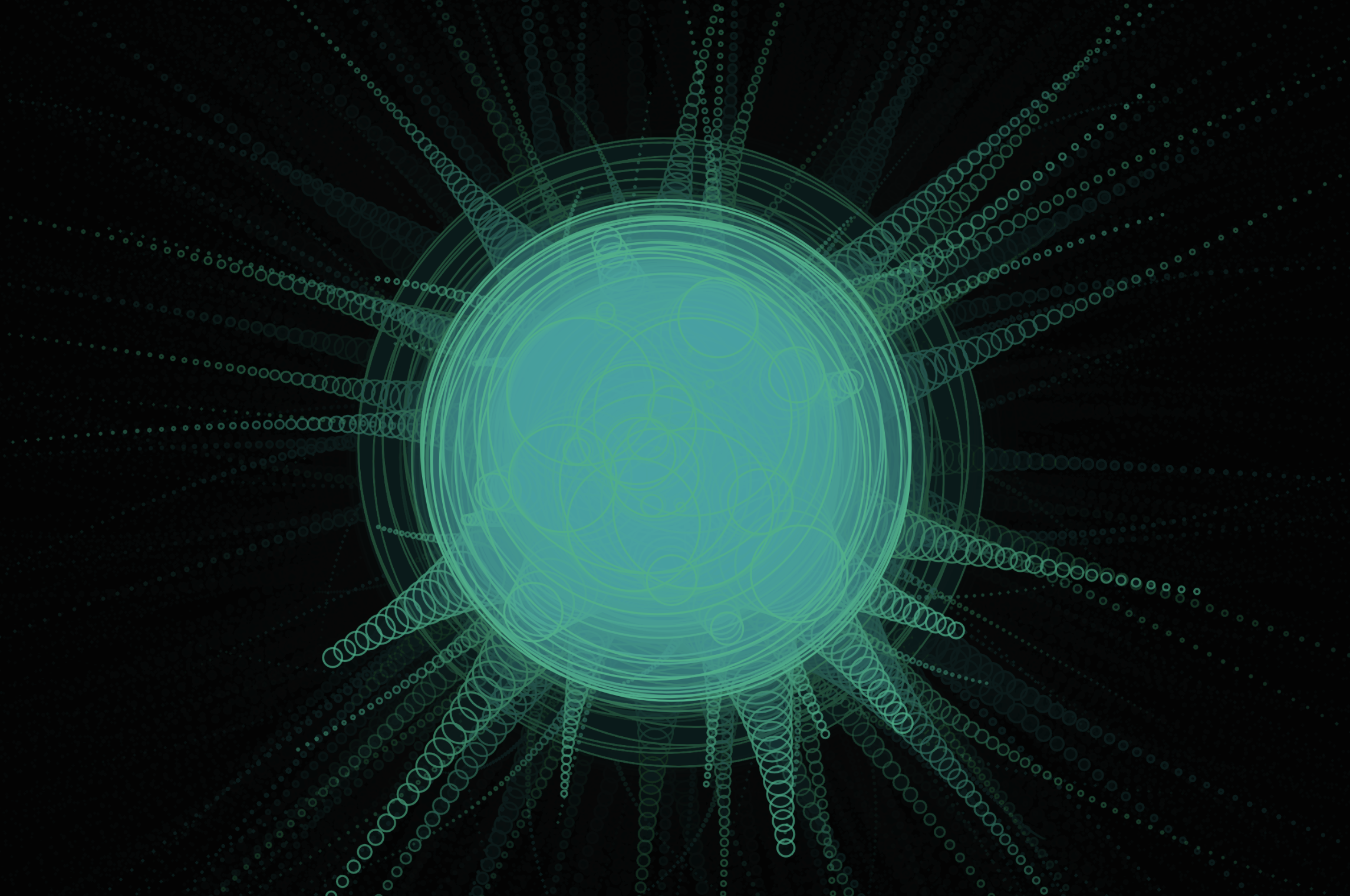
Session 2: A frequent technique for visualizing audio involves translating the amplitude or dynamics of an audio file into a form of animation synchronized with playback. This is generally referred to as music visualization. Music visualizers like the example above are everywhere and getting easier to produce while becoming more sophisticated like the examples on Butter Churn Viz, an adaptation of the MilkDrop plugin. To find sounds for events, background sounds, music, and other sound effect use Freesound.
Lab 2: After presenting Project 2: HTML5, P5.js and OOP Today I’d like to hear from each of you about your ideas for the Interactive Experiment.