DIMA 456 Media Design Studio

DIMA 456 Syllabus and Meeting Times

Media Design Studio is an advanced media design portfolio course that combines seminar/critique and studio work. For seminar/critique, we will read about and discuss design strategy, history, and evaluate peer work. The ultimate goal of the course is for students to produce a portfolio of designed artifacts. Previously designed and printed pieces or work for other classes may not be submitted for credit but can be included in the final portfolio. At least one significant project must be completed during the course. This is an intense course with advanced students working on different media design and interactive design problems. A basic understanding of technology, applications, and design theory is expected. Class sessions will be utilized for demos, instructor/peer critiques, reading discussion and for solving technical production problems.

Meeting Times and Location Spring 2025:
Monday / Wednesday / Friday 10:55am – 12:00pm
Location: SCC 219

View / Download Syllabi:
DIMA 456 Media Design Studio Syllabus Spring 2025

Recommended Texts:
How to Use Graphic Design to Sell Things, Explain Things, Make Things Look Better, Make People Laugh, Make People Cry, and (Every Once in a While) Change the World Hardcover – Illustrated, November 3, 2015
by Michael Bierut (Author)

Course Weeks:
Week 1 | Week 2 | Week 3 | Week 4 | Week 5 | Week 6 | Week 7 | Week 8 | Week 9 | Week 10 | Week 11 | Week 12 | Week 13 | Week 14 | Week 15

Media Design Studio – Week 1

Session 1: Welcome to Media Design Studio. This week we will introduce ourselves, review the syllabus, discuss the course outline, and prepare for Critique #1. This website serves as a repository for course resources and notes. What you will need this semester:

1. A robust code editing environment
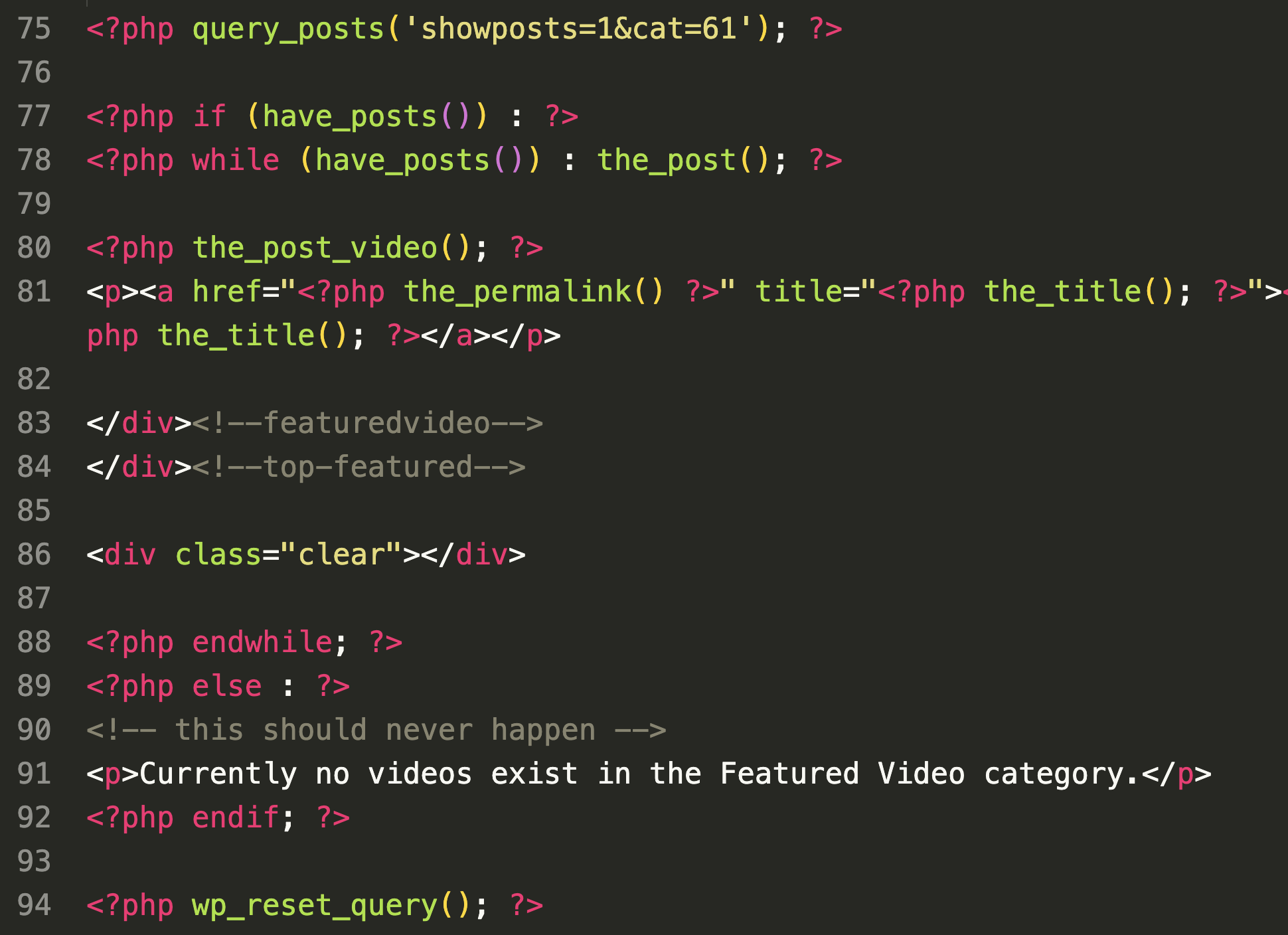
VS Code suggested.
2. An FTP client such as the FileZilla FTP Client,
3. Access to web hosting for your portfolio. Bluehost suggested.

Session 2: Today let’s discuss what’s required for our first critique this week as well as go over an outline of the course and assignments.

Critique #1: Examples of Prior Work
Points: 1 (toward participation total)
Due: Week 1, Session 3

Description:
Submit three to five examples of prior work that you have created. Examples might include illustration, graphic design, web design, and/or audiovisual work. Your work doesn’t have to be “portfolio ready” and may also include works in progress. We will critique your work in class during week 1, session 3. Submit your examples on Canvas as either links to sites or videos, or uploaded as PDFs, PNGs, and/or JPGs.

Session 3: Be prepared to show and discuss you examples of prior work today in our critique.

Media Design Studio – Week 2

Session 1: Today I will be passing around design books for you browse and find examples that will apply to Inspiration Exercise #1.

Inspiration Exercise #1: “Found in print”
Points: 1 (toward participation total)
Due: Week 2, Session 2

Description:
Browse the book you received in class today and scan in three to five images that you find inspirational. Be prepared to explain what it is that attracted you to the images. Consider attributes of the Gestalt theory of perception that we discussed in DIMA 256 including proximity, similarity, continuity, common fate, closure, figure and ground, symmetry/surroundedness, and prägnanz. Later we will use electronic resources to find examples of inspiration. This exercise is designed to briefly steer you away from screens. You may use a flatbed scanner or mobile device app such as Photoscan to scan the images. Upload your scans to Canvas before class on week 2, session 2.

Critique #2: Isolated Example of Prior Work
Points: 1 (toward participation total)
Due: Week 1, Session 3

Description:
Submit an isolated example of prior work that you have created. During the critique we will identify way in which the piece can be improved and made “portfolio ready.” Submit your examples on Canvas as either links to sites or videos, or uploaded as PDFs, PNGs, and/or JPGs.

Session 2: Today we will look at your examples in Inspiration Exercise #1: “Found in Print.”

Session 3: Critique #2: Isolated Example of Prior Work

Media Design Studio – Week 3

Session 1: Let’s wrap up critiques from last week so that we can move on to our first WordPress assignment.

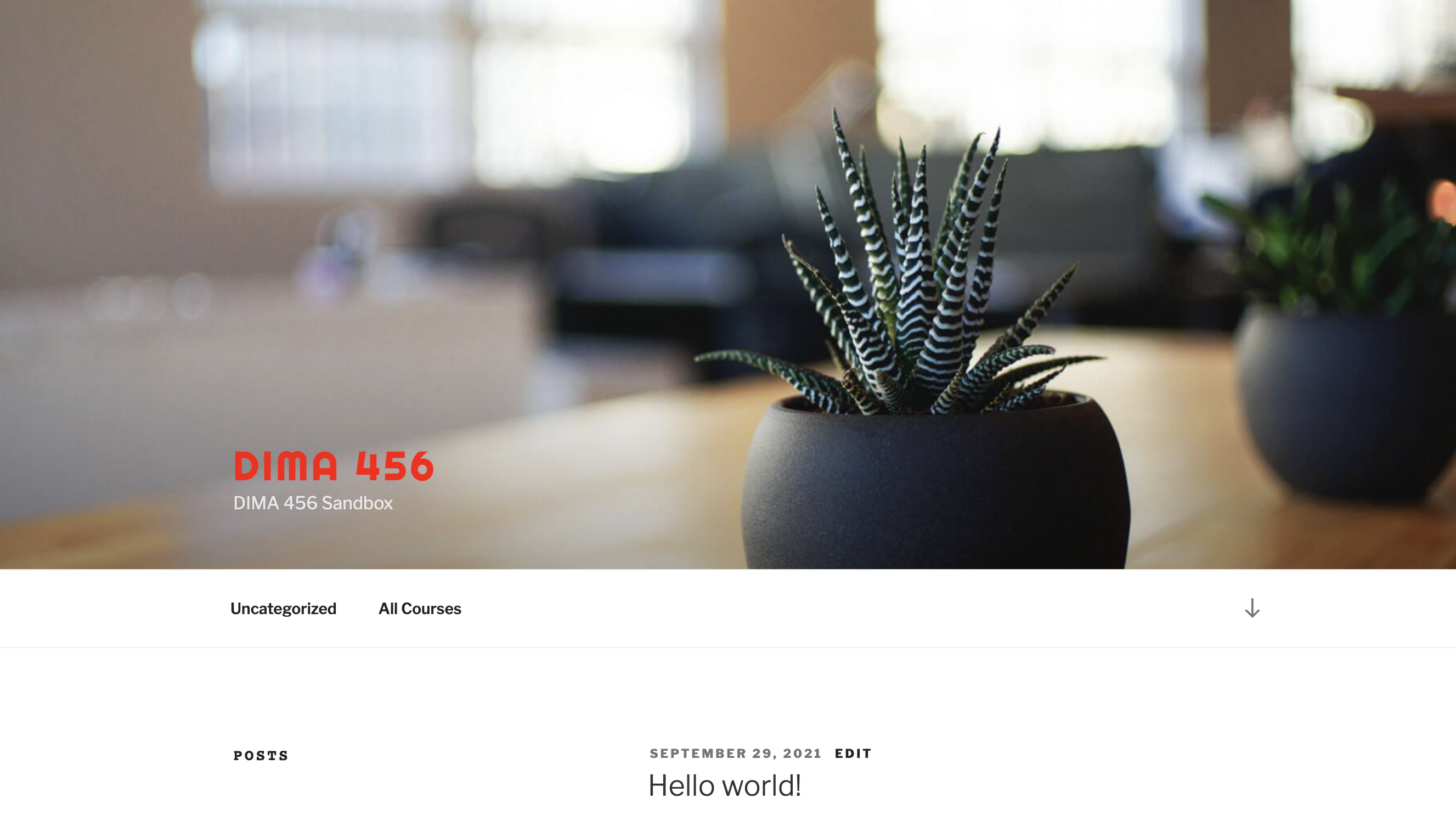
Session 2: Today’s demo fill focus taking a first look at the WordPress content management system. We will be using WordPress.org NOT WordPress.com. The distinction is that WordPress.org is the open source software, while WordPress.com is a monetized site building service that is based on WordPress.

WordPress Sandbox Exercise #1
Points: 1 (toward participation total)
Due: Week 4, Session 2

Description:
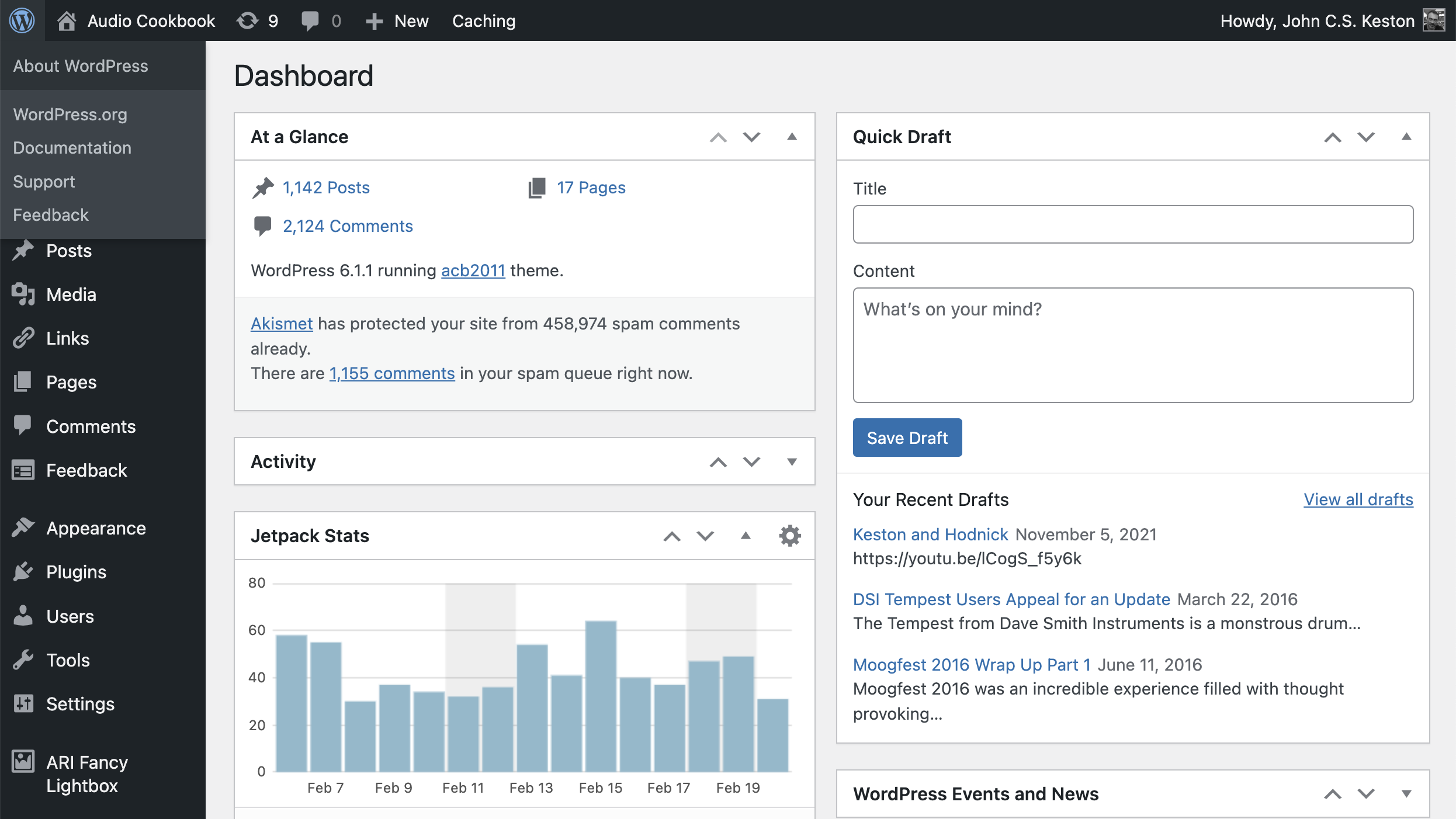
Login to our WordPress sandbox using the credentials that were given to you in class. Explore the administrative backend by creating content on the site. Your content will consist of one post, one page, a category, and a minimum of three tags. Include one or more images within the post and page that you create in addition to the text content. Experiment with including other types of media in your content such as audio, video, links, blockquotes, or graphics.

Session 3: Let expand our understanding of the WordPress backend by looking at the Setting, Appearance, and Plugins sections.

Media Design Studio – Week 4

Session 1: Today we will look at several more areas within the WordPress administrative area that relate to plugins and appearance.

Session 2: Let’s start today by looking at your work on the WordPress Sandbox Exercise #1. Following the presentations we will cover the requirements for your Artist Statement, then continue our demos on WordPress, specifically on getting started with understanding the WordPress installation procedures.

Artist Statement
Points: 5
Due: Week 6, Session 2

Description:
Write an artist statement for your online portfolio. An artist statement is both different and similar to a biography. The main difference is that it needs to articulate your primary focus as an artist. Describe your direction, your mediums, and the meaning and messages to aim to convey in your work. An artist statement needs to be concise; 200-300 words is plenty. You may wish to illustrate how your ideals apply to a specific example of work. Keep biographical content to a minimum.

Session 3: Today I will be deleting our WordPress sandbox and recreating it in class. This demonstration will prepare you to setup your own instance of the CMS to house your online portfolio.

Media Design Studio – Week 5

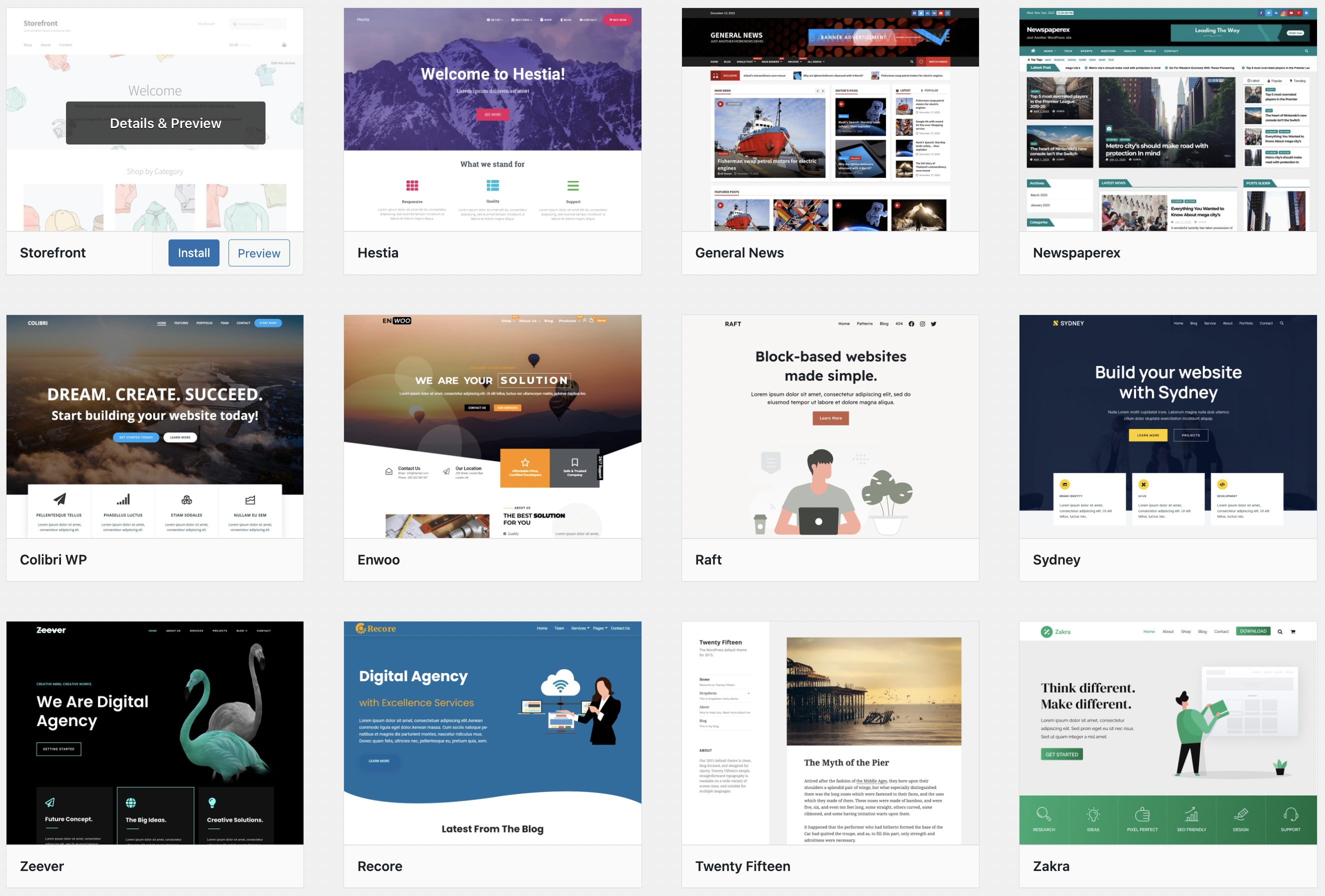
Session 1: This week let’s begin to explore WordPress themes and ways in which they can be manipulated through the WordPress administrative area, and with changes to code associated with the theme. Here are some of the topics we’ll address:

1. Choosing and installing new themes
2. Modifying themes with the Appearance features
3. Making changes to styles.css
4. Using theme functions

Session 2: By now most of you will have setup your own web hosting with an appropriate domain name and WordPress installation. For those of you who have yet to do this we can setup personal instances of WordPress within our dim358.com domain. Let’s look at doing this through the “one click” method available in the BlueHost Control Panel.

Session 3: Review artist statement rough drafts.

Media Design Studio – Week 6

Session 1: Let’s start today with critiques of artist statements that we didn’t get to last week. Afterward I will be demonstrating the abbreviated technique for installing WordPress provided as a service within the Bluehost web hosting control panel.

Session 2: Today we will be discussing detail and assigning tasks for the Sustainable Communitiy Partnerships (SCP) program.

Session 3: Revised artist statements are due today on the Sandbox. We may also reviewing inspirational portfolios.

Julia Javinsky
Aubrey Mathiowetz
Izzy Basurto Poferl
Alex Lorah
Dante J Urrutia
https://www.brynnwilson.com/
http://www.tinaomalley.com/
Cesaire Talom

Media Design Studio – Week 7

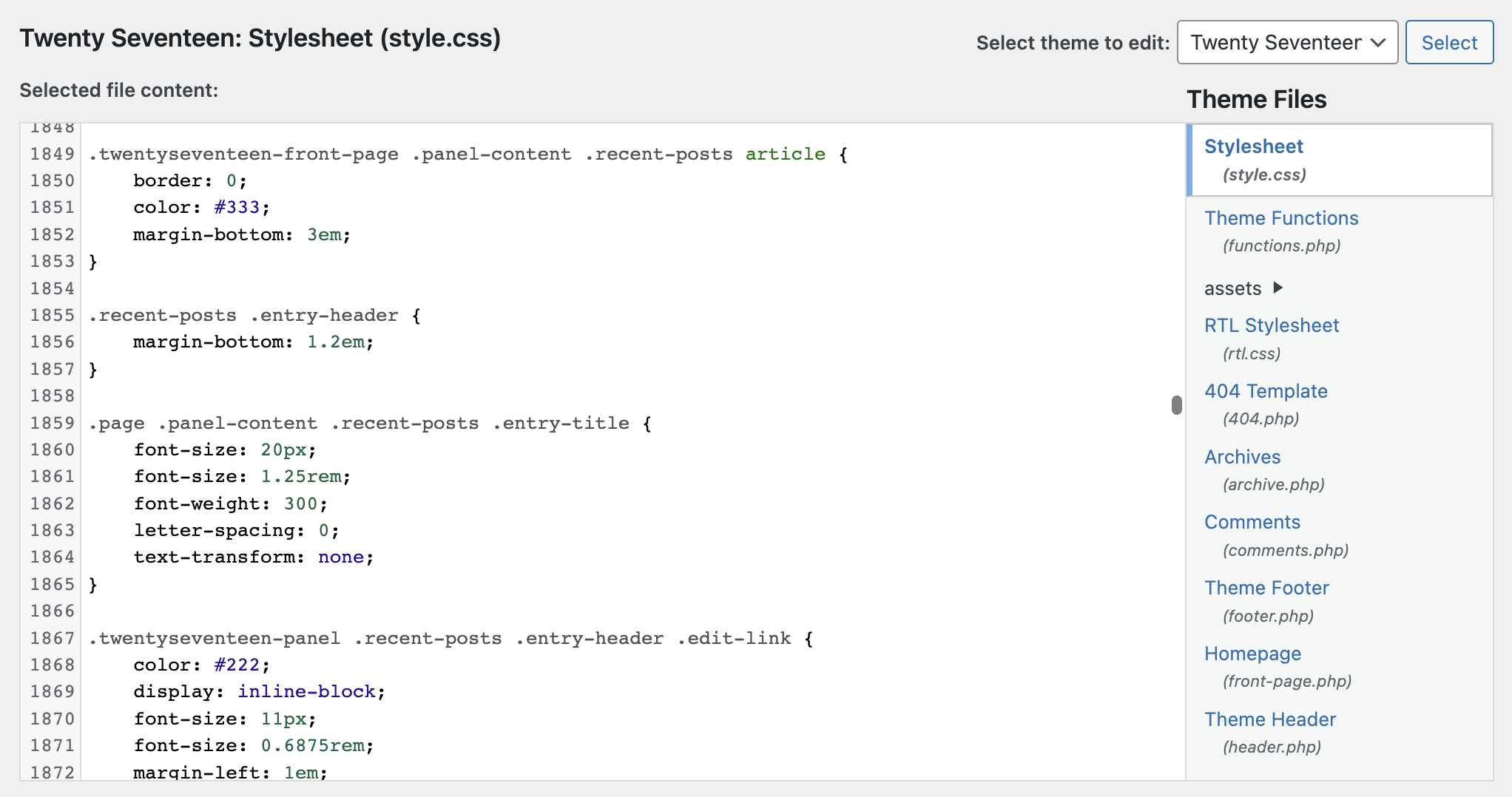
Session 1: Today we will begin having a look at the style.css file included with each WordPress theme. This is the file that contains most of the CSS rules and properties that define the look and feel of your theme. Often the best way to find what you need to change is by using the inspector in your browser.

Session 2: WordPress child themes are an excellent way to add personalization to your themes. Editing themes directly should be avoided because scheduled updates to the theme will delete your changes, whereas a child theme will retain changes even when the parent theme is updated. The demo today will include the steps necessary to setup a child theme and a few theme changes that can be implemented using this technique.

Inspiration Exercise #2: Professional Portfolios
Points: 1 (toward participation total)
Due: Week 7, Session 3

Description: Submit links for up to three professional portfolios you admire. Be prepared to discuss what you find compelling about the portfolio(s) you submitted. Is the UI/UX up to your standards? How do the portfolio(s) and/or the work contained utilize the gestalt theory of perception? Does form follow function? Is the design the most advanced yet acceptable?

Session 3: We will start today by looking at your examples of professional portfolios selected for Inspiration Exercise #2. Afterward I will answer questions about child themes

Media Design Studio – Week 8

Session 1: Today let’s finish looking at your professional portfolio examples.

Session 2: This class period will be used entirely for sharing your portfolio works in progress in critique #3. If we don’t have time to look at everyone’s work, then we can pick up from where we left off next week.

Critique #3: Your Portfolio WIP (The Scaffolding)
Points: 1 (toward participation total)
Due: Week 8, Session 2

Description:
Be prepared to show and discuss your portfolio work-in-progress. Your work does no need to be complete or advanced at this stage. This is an opportunity to get feedback from your peers, ask questions, and suggest demos. It is preferred if your work is hosted on your own domain and web hosting, but it is also acceptable to show your work on a sandbox if one was setup for you.

Session 3: Today we will look at your works-in-progress including your portfolio and the significant project you plan to include in your portfolio. Through this process we will determine areas that need further exploration within WordPress, graphic design, and web technology. If time permits we can look at the professional portfolios examples that weren’t shared last week.

Media Design Studio – Week 9

Session 1: Let’s use today to finish up the critiques started on session 2 of week 8.

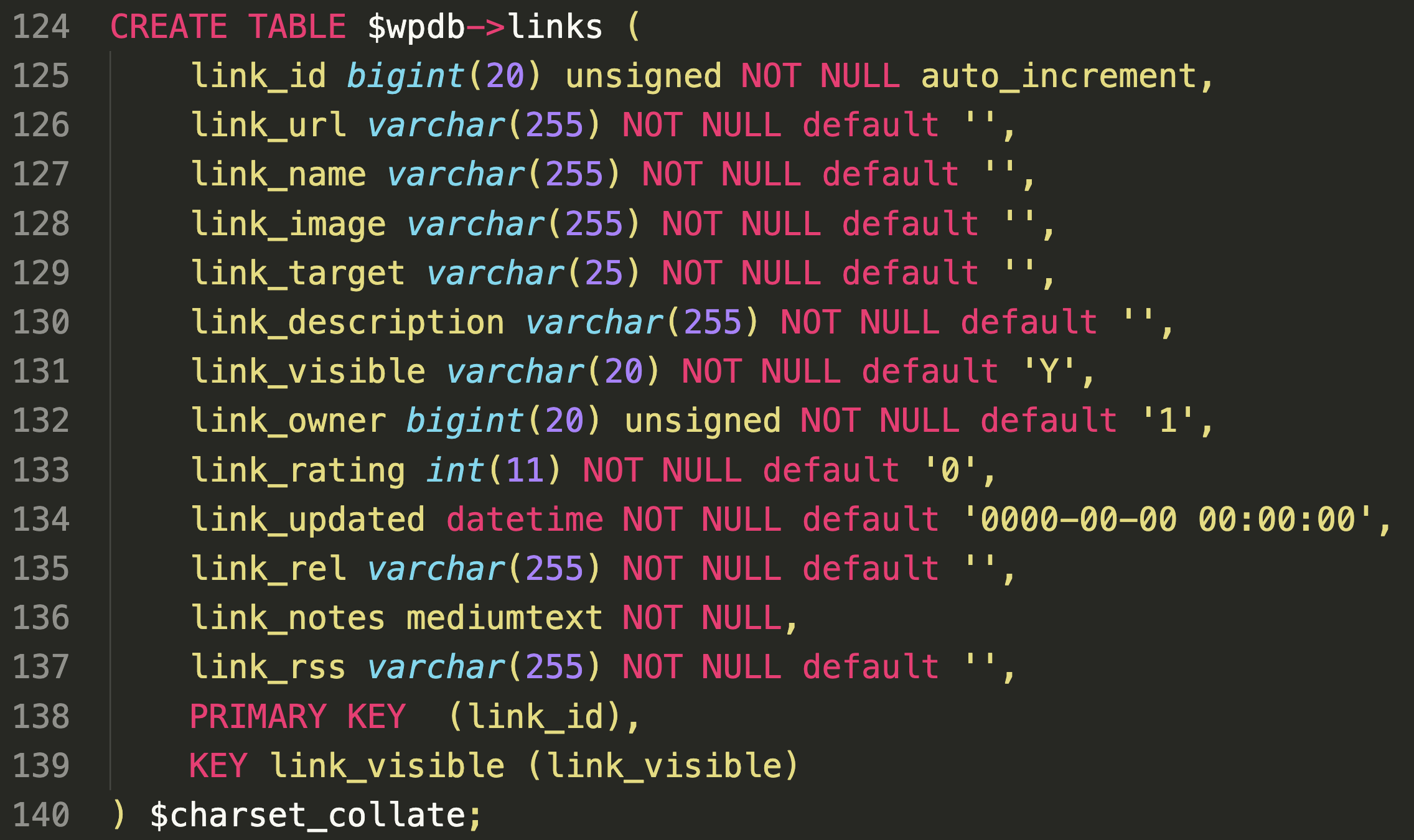
Session 2: For the rest of this week we will look at additional techniques that you may apply to customization of your WordPress installations. Specifically we will look at adding templates to you child themes. WordPress templates are PHP files that interact with the WordPress database and core functionality.

A WordPress template contains the HTML, CSS, and PHP code that determines the layout and design of your website. Templates that are added to your child theme will override the template file in you parent theme. Typically you will copy the parent template to your child theme and make your changes there. This will maintain the integrity of the parent theme and allow for updates without loosing your work.

The types of WordPress templates include:

The main index template: This template displays your site’s homepage (index.php).
Page templates: These templates are used to display individual pages on your website (about, contact, etc.)
Post templates: These templates are used to display posts.
Archive templates: Used to display lists of posts, such as your blog’s archive page or your category pages.
Search templates: Displays the results of search queries.

Session 3: Today is studio time to resolve problems and answer questions regarding your portfolio projects.

Media Design Studio – Week 10

Session 1: No class due to Easter holiday.

Session 2: Last week we looked at WordPress templates and how we might modify them in a child theme. Template tags are one of the fundamental ways of doing this. Although using them is a little bit trickier than modifying style.css doing so can make essential changes to your child theme possible. Let’s apply a few examples in class today.

Using template parts with blocks based themes in WordPress:
Introdution to templates
Templates
Template Parts

Template tags are for non-blocks based WordPress themes:
Template tags
Stepping into Template Tags
Stepping into Templates

Session 3: Portfolio Work-in-progress critiques.

Media Design Studio – Week 11

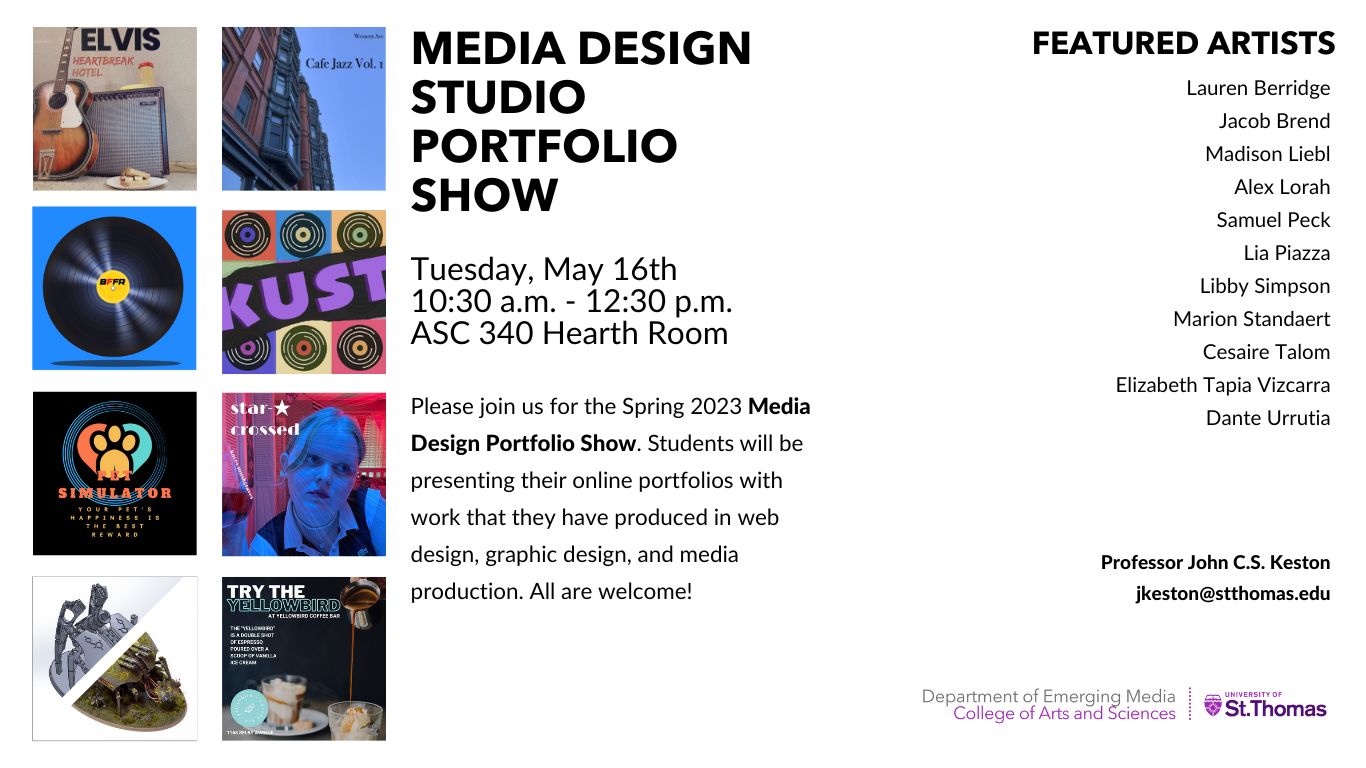
Session 1: Let us discuss the first annual Media Design Portfolio Show! Here are a few points to remember when participating:

1. Your portfolio should be available online and work consistently over a variety of device dimensions (desktop through mobile).
2. Prepare take aways for visitors including a business card, resume, and optionally mints or candy.
3. Dress appropriately. No shorts or flip flops. Consider a button up shirt. Suits are optional.
4. Be open, available, smile, and invite visitors to browse your work.

Session 2: Workshop / demos. Today in class please be prepared with a question(s) regarding your portfolio. This is an opportunity solve an issue you might have with a child theme, style.css, template tags, or plugins.

Session 3: Portfolio work-in-progress critiques. As we get closer to the end of the semester and the portfolio show, feedback on your work becomes more targeted and necessary.