All posts by keston

Creative Coding – Week 7

Session 1: This week we will begin exploring sound as media for creative coding. This area is fascinating, expansive and allows for sample playback, recording, signal processing, and sound synthesis. One of the best ways to get started with sound is through the Web Audio API. The Web Audio API is quite complicated to use, but P5js includes the p5.sound library that simplifies many typical uses for audio. Here are some P5js examples:

Microphone:
https://archive.p5js.org/examples/sound-mic-input.html
https://archive.p5js.org/examples/sound-frequency-spectrum.html
https://archive.p5js.org/examples/sound-mic-threshold.html

Sample Playback:
https://archive.p5js.org/examples/sound-load-and-play-sound.html
https://archive.p5js.org/examples/sound-sound-effect.html
https://archive.p5js.org/examples/sound-measuring-amplitude.html

Sound Processing:
https://archive.p5js.org/examples/sound-filter-bandpass.html
https://archive.p5js.org/examples/sound-filter-lowpass.html
https://archive.p5js.org/examples/sound-playback-rate.html
https://archive.p5js.org/examples/sound-pan-sound.html
https://archive.p5js.org/examples/sound-delay.html

Synthesis:
https://archive.p5js.org/examples/sound-oscillator-frequency.html
https://archive.p5js.org/examples/hello-p5-song.html
https://archive.p5js.org/examples/sound-noise-drum-envelope.html
https://archive.p5js.org/examples/sound-note-envelope.html
https://archive.p5js.org/examples/sound-frequency-modulation.html

Assignment 3: Interactive Experiment (9 Points)
Due: Session 2, Week 9 (Beginning of Class)

Use HTML5 and P5.js to make a visual application that includes a graphical user interface (UI) and responds to a minimum of three of the following input methods: 1) Sound pressure levels (SPL) and/or frequencies (Hertz) sensed by a microphone. 2) Prerecorded audio files or sound synthesis/sequencing. 3) Video signals captured through a webcam. 4) Prerecorded video files. 5) Keyboard, mouse, trackpad, or touch data.
Requirements:

  1. Setup your HTML5 and P5.js environment
  2. Create a user interface for your application that has three or more input methods
  3. Use at least three of the following six input methods to interact with the piece:
    1. Sound pressure levels (SPL) and/or frequencies (Hertz) sensed by a microphone
    2. Prerecorded audio files
    3. Video signals captured through a webcam
    4. Prerecorded video files or sound synthesis/sequencing
    5. Mouse, trackpad, or touch data
    6. Keyboard input
  4. Use the setup() and draw() functions to animate objects that respond to the inputs
  5. Try rotating the shapes in response to the mouse movement
  6. Try using the interface to effect color, dimensions, and velocity

Lab 1: Today we will continue exploring the p5.sound library.

Problem Set 6: P5js and Sampled Sound
Due: Week 8, Lab 1 (3 points)

Use the Web Audio API via the p5.sound library to explore sampled sound in conjunction with the HTML5 canvas. Start by playing a sound during an animated event, such as an object changing direction when reaching the canvas borders. Layer sounds so that environmental ambience is heard in the background. Compare the “sustain” and “restart” play modes.

1. Problems sets are due by the next lab or the specified due date.
2. Submit answers on Canvas uploaded as HTML, JavaScript, CSS, .zip or otherwise as noted.
3. Solutions to each problem set will be given during demos on the day that they are due.
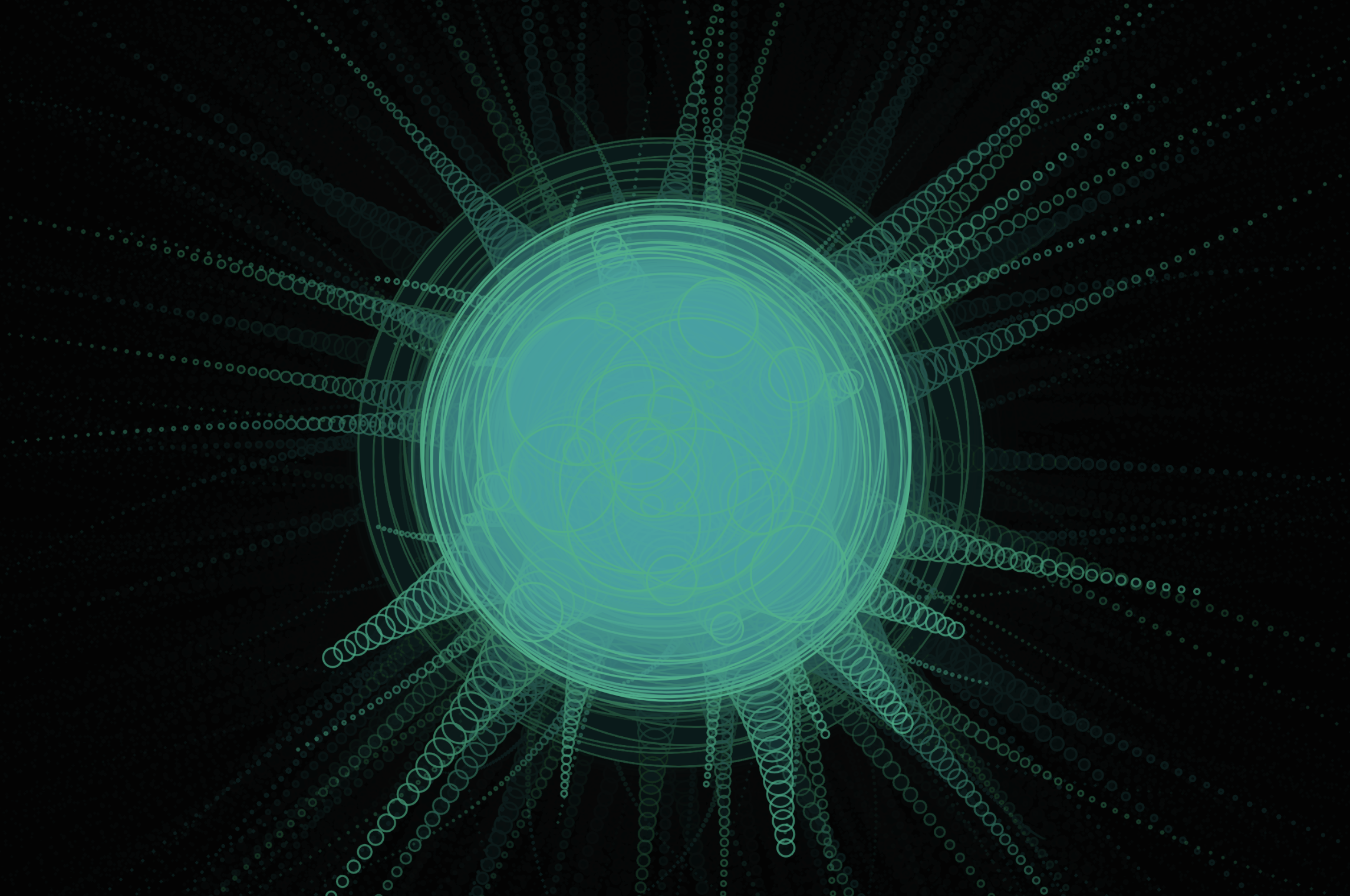
Session 2: A frequent technique for visualizing audio involves translating the amplitude or dynamics of an audio file into a form of animation synchronized with playback. This is generally referred to as music visualization. Music visualizers like the example above are everywhere and getting easier to produce while becoming more sophisticated like the examples on Butter Churn Viz, an adaptation of the MilkDrop plugin. To find sounds for events, background sounds, music, and other sound effect use Freesound.

Lab 2: After presenting Project 2: HTML5, P5.js and OOP Today I’d like to hear from each of you about your ideas for the Interactive Experiment.
Creative Coding – Week 8

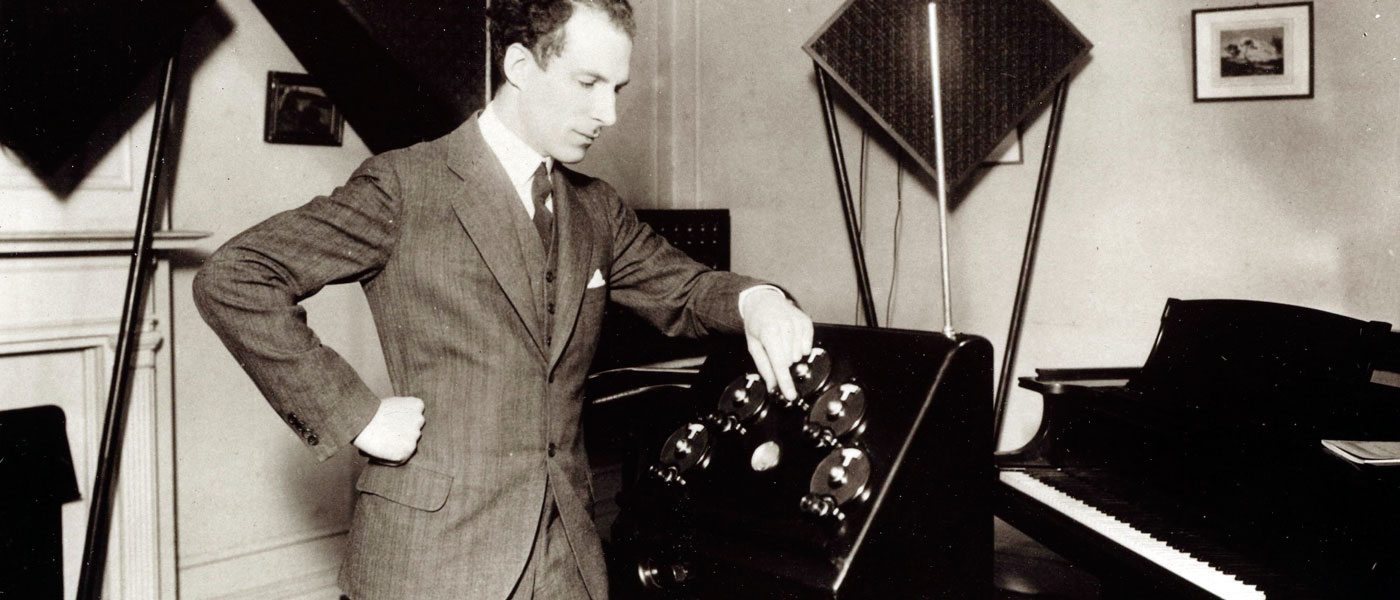
Session 1: Making a digital Theremin is akin to making a “hello world” script when it comes to programming sound. The Theremin is one of the only musical instruments that does not require the artist to touch it. Instead hand gestures near the device determines the pitch and amplitude of a synthesized waveform. We can easily replicate this process by using the mouse or trackpad axes to change the frequency and amplitude of a modeled waveform.

Lab 1: Let’s continue experimenting with sound synthesis techniques.

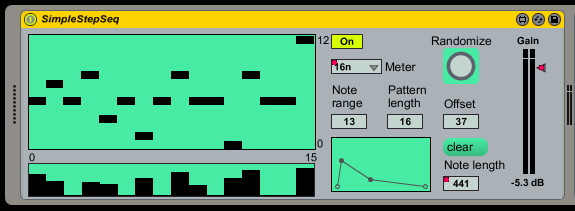
Session 2: A common and popular way to make music electronically is step sequencing. Step sequencers are an accurate and rigid way to program musical phrases. Composers simply click boxes to add notes to a sequence. The advantages of simplicity and ease of use make step sequencers a ubiquitous technique in electronic music. The disadvantage is that the mastery and expression possible with an instrument like the Theremin isn’t possible with simple step sequencers. A simple step sequencer usually has a predetermined set of pitches. These can be stored as frequency values in an array. Usually the frequencies are organized into a scale so that the sequences result in consonant instead of dissonant melodies.

Lab 1: In lab today we will look more at synthesizing and sequencing sound.

Creative Coding – Week 9

Session 1: This week we will begin discussing approaches to creative coding that we have not covered yet. These include Arduino microcontrollers and other hardware devices, the Processing IDE, and Max from Cycling ’74. We will start by looking at the Processing IDE.

Lab 1: In lab today let’s try porting one of your p5.js projects into Processing. Let’s also take a quick look at microphone and video input with p5.

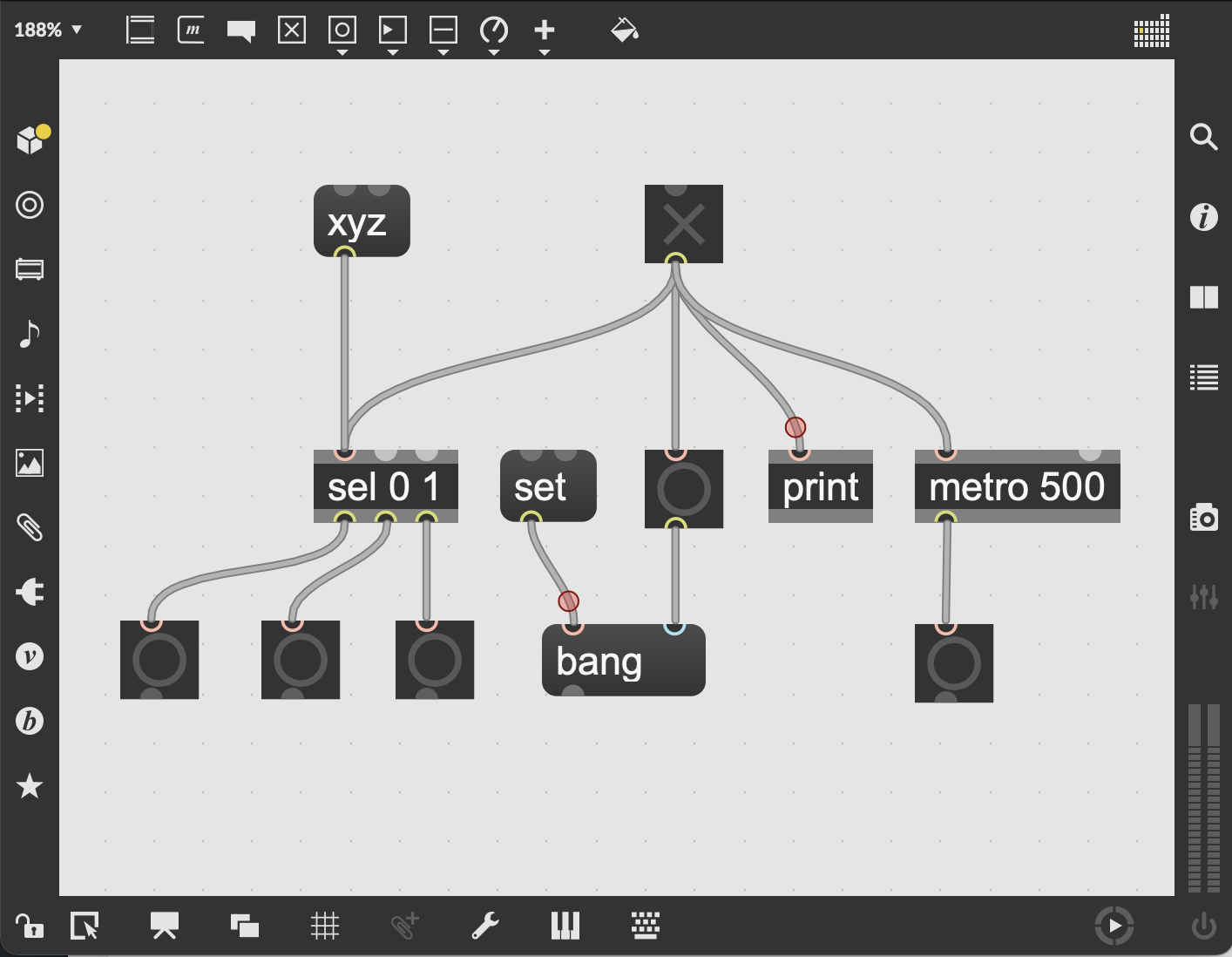
Session 2: Today let’s let start by presenting your Assignment 3: Interactive Experiment projects. This may take most of the class period, but if there’s time left, we will take an introductory look at Max. Max is a visual programming environment with a history of over 30 years starting with Miller Puckette in the 80s.

Lab 1: Getting started with Max.

Creative Coding – Week 10

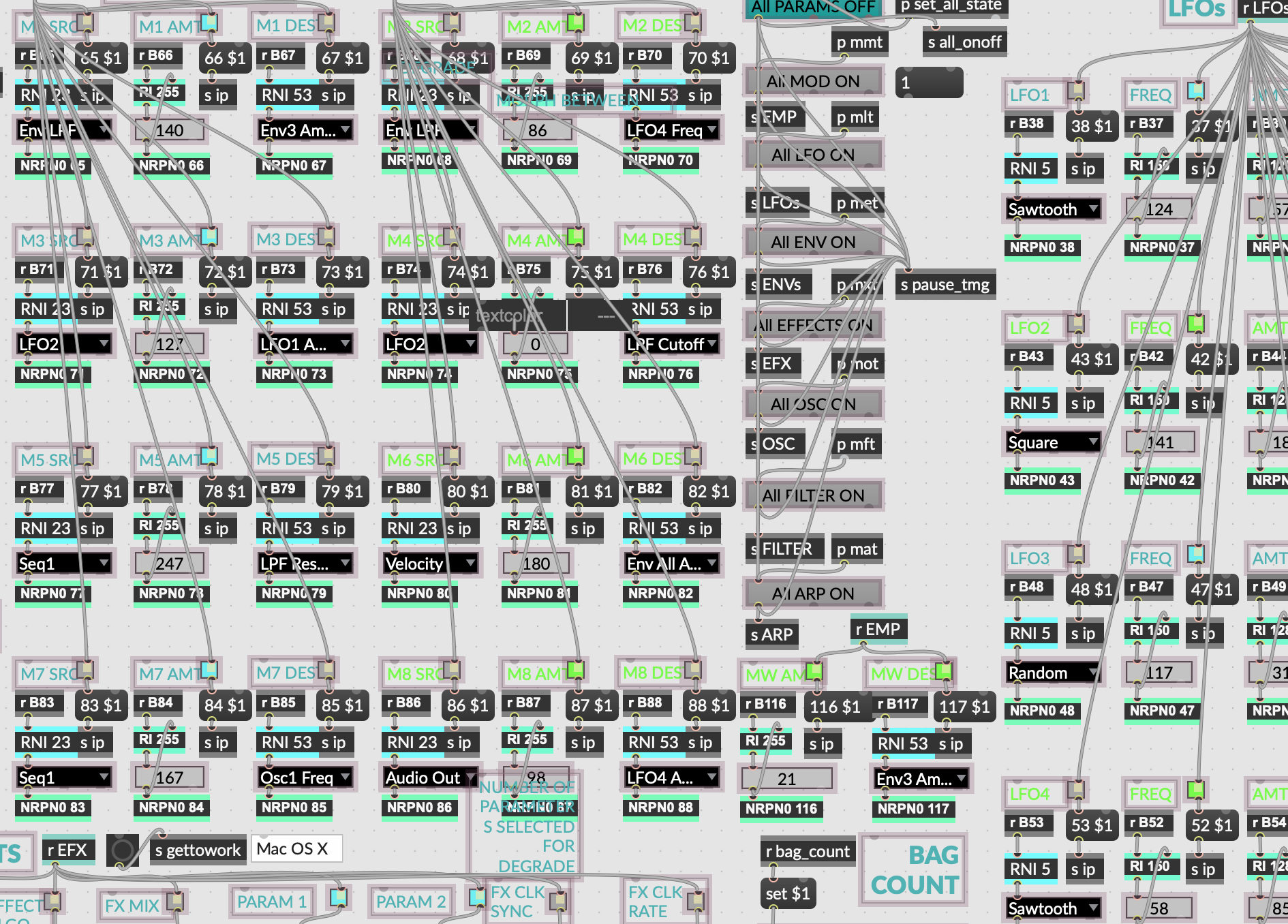
Session 1: Today we will look at some examples in Max from Cycling ’74 and demonstrate some of the basics. I started a software company called ACB Soft that uses Max as the primary development platform for the applications. I have also used Max for various art installations and musical performances. I will share some of these examples today as well as demonstrate a few of the ways that Max can be used.

Assignment 4: Interactive Creative Coding Final Project (15 Points)
Due: Finals Period (Beginning of Class)

Use one of more of the technologies demonstrated in class to build an Interactive Creating Coding project that realizes ideas and/or concepts of your own that you find interesting. JavaScript, P5.js, Max, and Arduino are all available platforms, but other may be considered. In order to make your project interactive consider using sound, video, keyboard, mouse/trackpad, motion sensors, photo diodes, photo resistors, thermostats, datasets, streaming data, or other methods / sensors. Projection, animation, generative behaviors, Perlin Noise, data visualization, and data sonification are all possible avenues for your ideas.

Requirements:
1. Use JavaScript, P5.js, Max, and/or Arduino to create an Interactive Creative Coding project
2. Add three or more forms of interaction as described above
3. Produce your project so that it can be displayed or performed in an exhibition
4. Consider making use of projection, animation, Perlin noise, and/or data visualization/sonification
5. Be prepared to present or perform your work during the finals period

Lab 1: Let’s explore Max workshop style. Please be prepared by having the 30 day trial of Max installed on your computer.

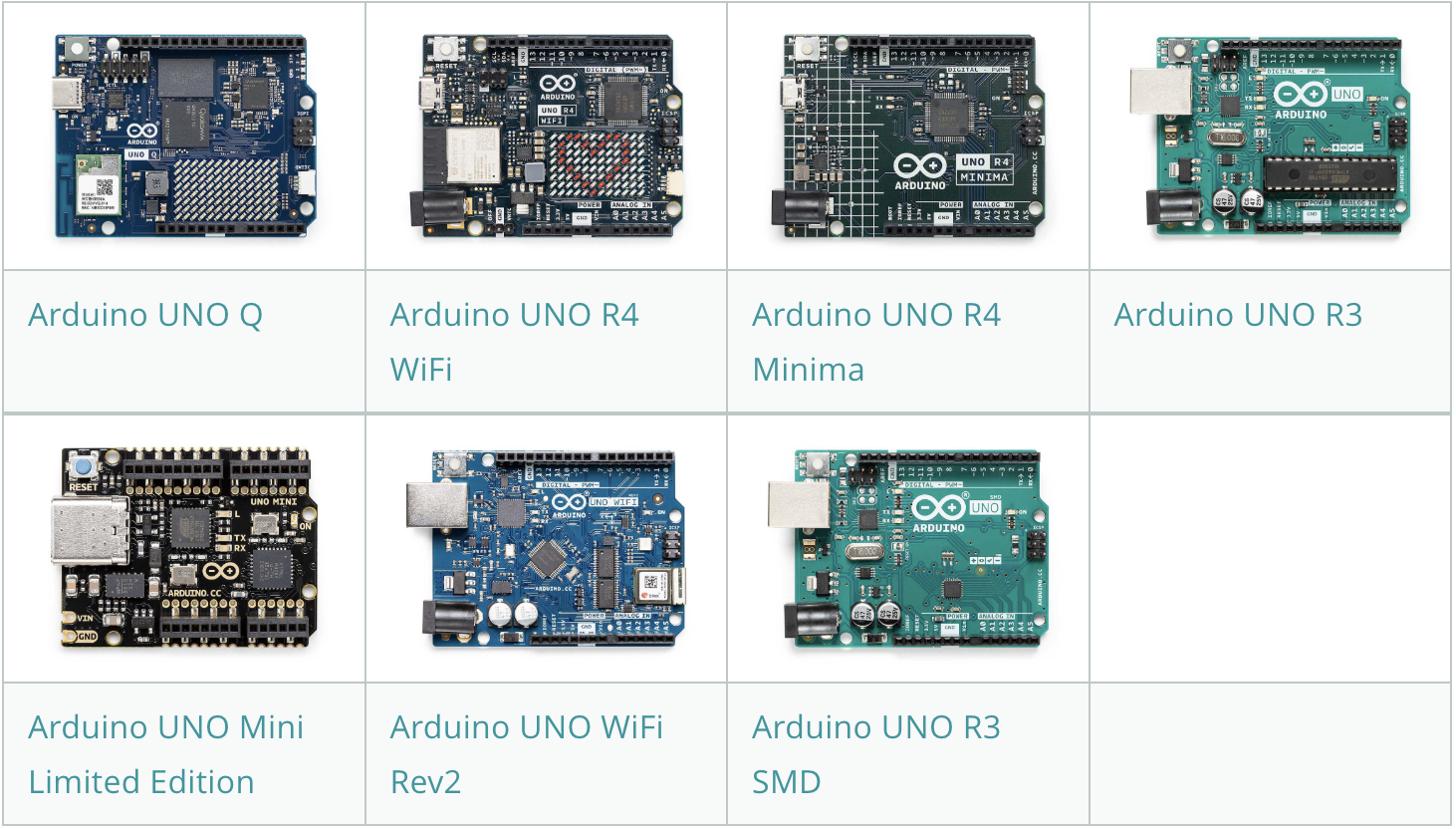
Session 2: Physical computing often involves working with analog sensors that can convert signals into realtime data using Arduinos or other micro-controllers. Most people refer to Arduinos as micro-controllers, but technically they are circuits that include a micro-controller with a collection of other components that make it possible to use them for all sorts of projects. There are many types of micro-controllers, but what makes Arduino special is that the platform is Open Source. This means anyone can build their own Arduino. All the specifications including circuit diagrams and software are freely available as downloadable files. Proprietary micro-controllers are closed and can only be made and sold by the copyright holder or licensee.

Lab 1: Today we’ll explore some Arduino expamples.

Creative Coding – Week 11

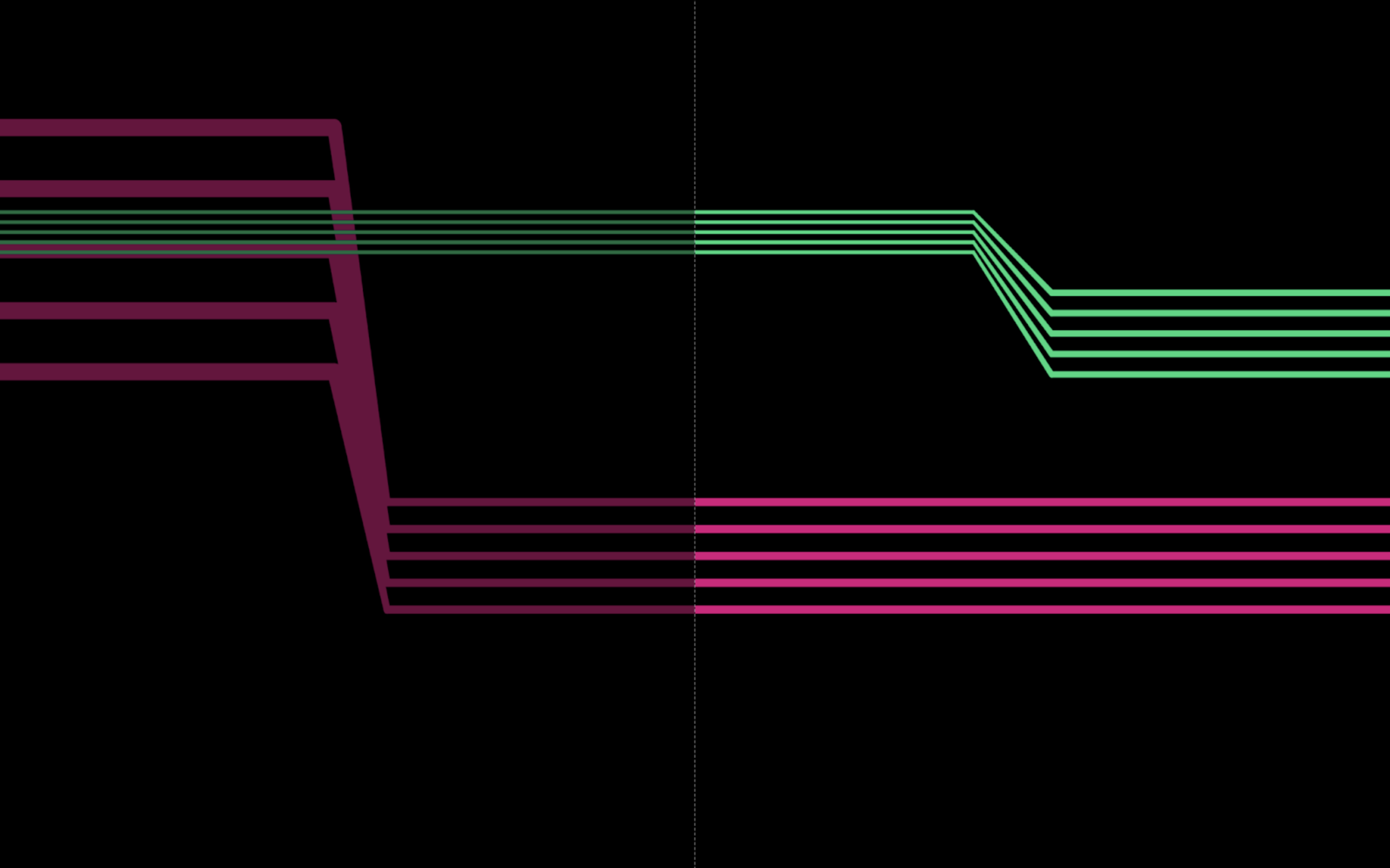
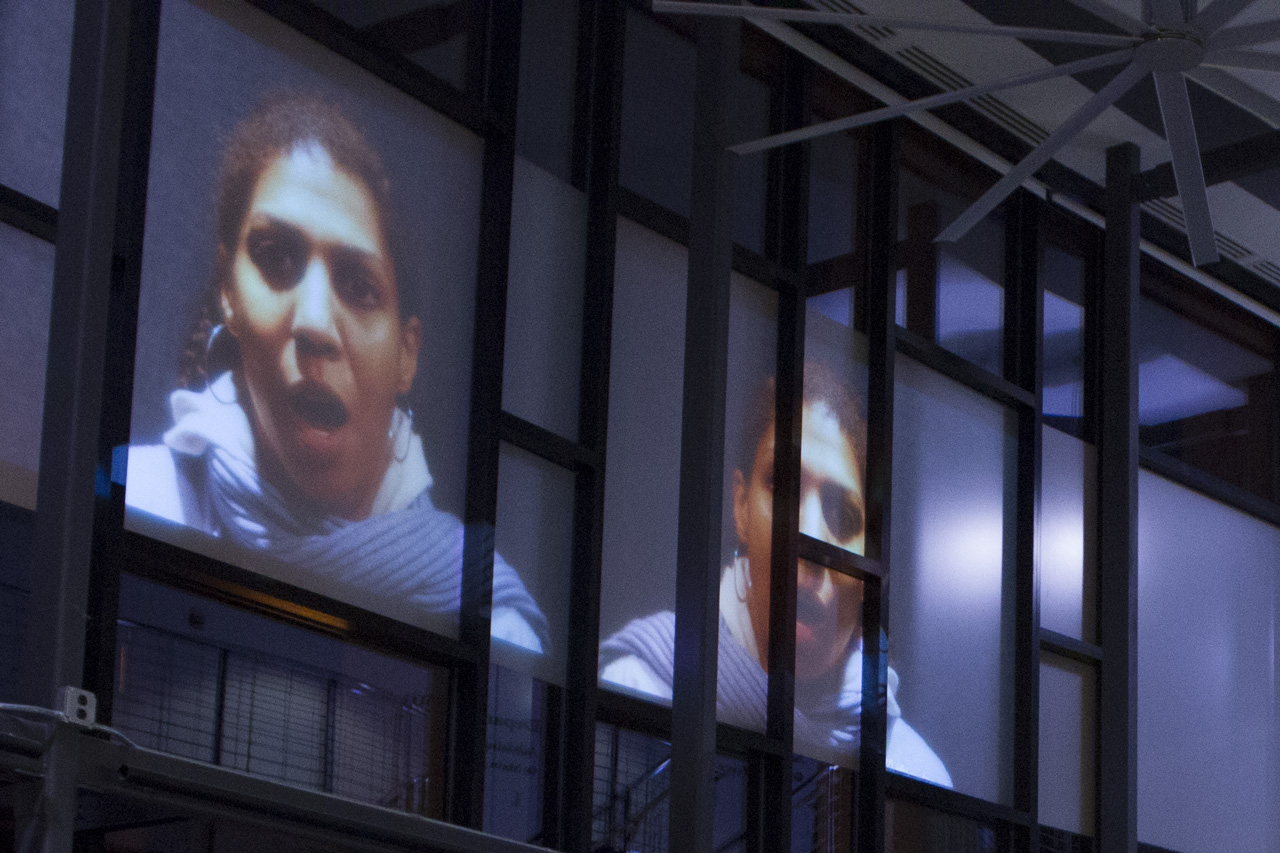
Session 1: Today we will continue looking at examples of physical computing projects. The last few weeks of class with be spent primarily helping each of you with your final projects in preparation for our Creative Coding Exhibition during the finals period. However, it is also a good time to examine a few examples of creative coding a little more closely. Let’s start with looking at examples from SYNTAX, a project that was presented at the 2022 International Computer Music Conference in Ireland this summer in collaboration with Mike Hodnick (AKA Kindohm).

Session 2: Today we’ll examine more examples during lab time. Specifically we will look at the Audiovisual Grain Machine (AVGM) a performance tool I developed using Max. I have used AVGM for nearly a dozen performances in Prague CZ, Ireland, and the US. The software allows the performer to live loop and granulate (as in granular synthesis) audio and corresponding video in real time.

Lab 1: If you’re interested in using any example of machine learning for your final project, the best place to start is with ml5.js. This library has pre-defined models for hand tracking, body tracking, a face mesh, image and sound recognition. You can also train your own models for more specific tasks. Please be prepared to share your work in progress with small groups for critique and feedback.

Creative Coding – Week 12

Photo by Debora Drower

Session 1: Today we will talk about the supplies available from Axman Surplus at 1639 University Ave W, St Paul, MN 55104. Axman is a great spot to find electronic parts for interactive projects. They also sell all sorts of weird odds and ends that might inspire ideas for your final project or just make you laugh. Here’s a quote from their website:

We’ve bought and sold scientific, industrial, electronic, and mechanical surplus in the Twin Cities area for 50 years. We also specialize in arts & crafts supplies, tape, failed consumer products, and the bizarre, weird & wonderful. We have a loyal following of local artists, tinkerers, engineers, makers, and freaks and geeks of all styles. We are also a popular store for teacher supplies and back-to-school items.

Things that might be useful to get from Axman include alligator clips, switches, pots, resistors, capacitors, diodes, LEDs, and/or sensors. You can also find soldering tools, multimeters, breadboards, and other components. Let’s also discuss the requirements for tomorrow’s in-person group critique.

Group Critiques #2
Due: Week 12, Lab 1

Meet in small group to demonstrate your work-in-progress and get feedback from your group members. Participation in the group critique requires in-person attendance.

1. Discuss the concept of your final project
2. Demonstrate one or more features of your work-in-progress
3. Share the resources you have found and applied to your work
4. Suggest ideas, improvements, and resources to your classmates

Lab 1: In class group critiques. Today will be reserved for required in-class group critiques.

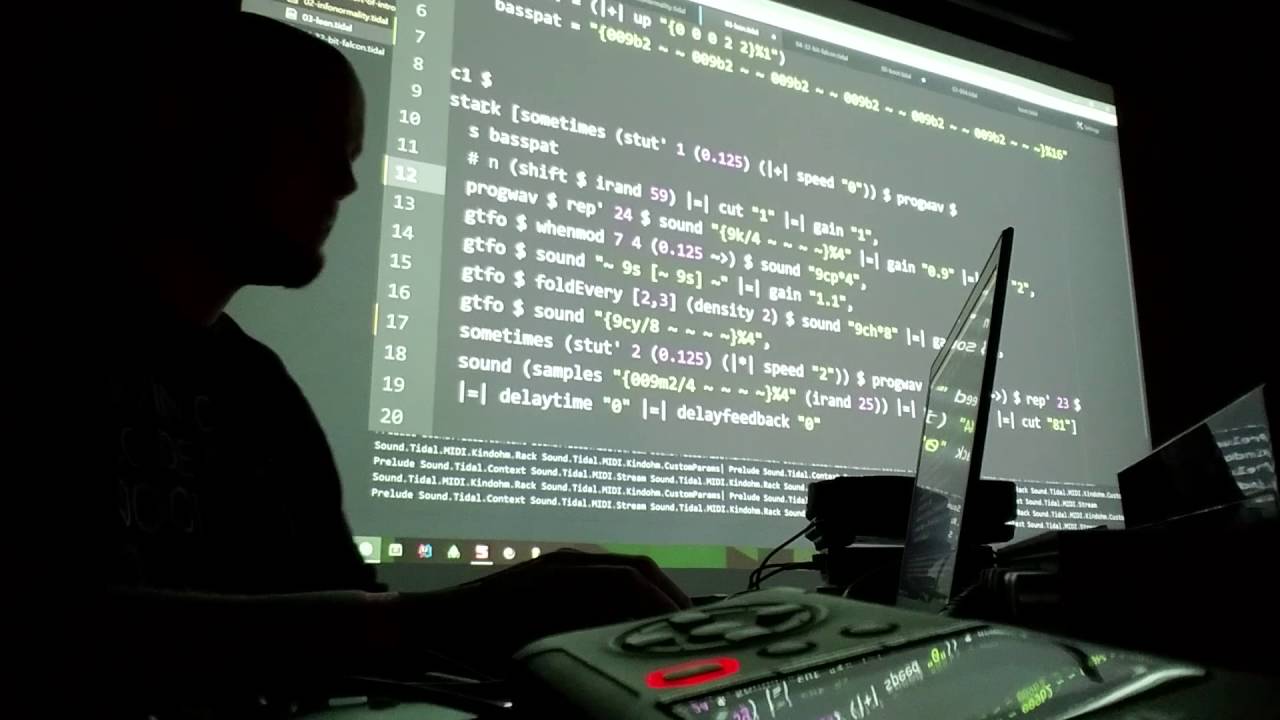
Session 2: Musician Mike Hodnick (AKA Kindohm) will be joining us today to share some of the philosophies and techniques he uses in his Live Coding sets, especially TidalCycles. In-person attendance is required to get credit for experiencing the guest speaker.


Thanks to Duran Carlson for sharing the video above as another example of TidalCycles in use.

Lab 2: Please be prepared to share your work-in-progress with me for feedback and questions.

Creative Coding – Week 13

Session 1: This week let’s take a look at more examples of approaches to creative coding. Today we will take a quick look at paperjs, which is a library designed to make coding vector graphics more accessible.

Paper.js is an open source vector graphics scripting framework that runs on top of the HTML5 Canvas. It offers a clean Scene Graph / Document Object Model and a lot of powerful functionality to create and work with vector graphics and bezier curves, all neatly wrapped up in a well designed, consistent and clean programming interface.

Lab 1: Today is an open lab in preparation for group critiques scheduled for Lab 2.

Session 2: In addition to p5js and paperjs there are lots of other available JavaScript libraries that lend themselves well to creative coding projects.

A-Frame.io – JS library For building 3D/AR/VR experiences
Tone.js – Web Audio framework for creating interactive music
Three.js – A library to make WebGL more accessible
Pts. (points) – A lightweight library for visualization and creative coding
Web MIDI API – Article for getting started with the Web MIDI API

On the physical computing side of things there are many websites that host tutorials and offers sales of electronic components to help artists with their creative coding projects. These include the following:

SparkFun – Components focused on creative coding and Arduino
Adafruit – Creative Coding component specialists
Instructables – Explore, document, and share your creations
Mouser – Globally authorized distributor electronic components
DigiKey – Minnesota based electronic outlet

Lab 2: Please be prepared today for our third in-person group critiques.

Creative Coding – Week 14

Session 1: This week we will use our time to wrap up the development of our projects for the exhibition.

Lab 1: Open lab day

Session 2: Our group exhibition is during our finals period. Tomorrow we will meet in group critiques for final feedback on your projects before the exhibition.

Lab 2: Today are our final group critiques. Also, please take a few minute to complete the IDEA survey for this class at https://stthomas.edu/idea.