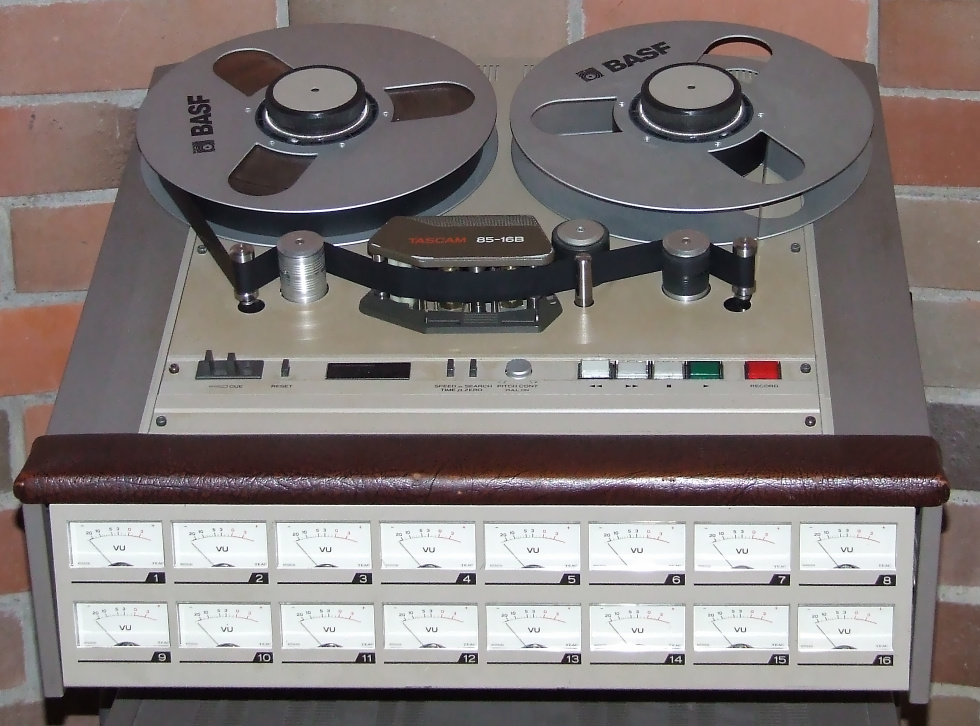
Session 1: Today we will discuss and demonstrate a few “best practices” for layering multiple tracks of audio. For example it is critical to avoid clipping and keep noise to a minimum. When looping try to find “zero crossings” within the wave to avoid pops. Cross fades can also help prevent pops or be used to extend the length of ambient layers. Use panning, volume, equalization, and reverb to “place” individual tracks within the mix. Create an “effects bus” for processing that should be consistent from one track to another, such as reverb. Finally, session management is an important factor for dealing with multitracked documents. Usually the DAW points to audio files versus embedding them in the session file. This means that all of the audio files associated with the session must be accessible each time the session is opened.
Plugins/Effect Rack: For our first exercise we applied processing with “destructive” editing. This techniques manipulates the selected audio and creates a new waveform which replaces the original audio on the track. The advantage of applying effects destructively is that the processing happens only once and does not continually tax the CPU of your computer. The disadvantage is that the processing is destructive; unless you undo or revert to the original, you cannot easily return to the previous state or adjust the effect once it’s applied. This is why it is much better to use non-destructive DSP plugins using the “Effects Rack” in Audition for your projects. Plugins applied in the Effects Rack are processed in real-time so that you can make adjustments to the effect as you listen to the track, temporarily disable (bypass) the effect, or remove the effect completely without having to revert to the original audio.
Reading:
AU – Audio Units (Apple)
VST – Virtual Studio Technology (Steinberg)
RTAS – Real-time AudioSuite (Avid Pro Tools)
What is a Software Plugin?
Routing audio to buses, sends, and the Master track
Project 2: Multitrack Production Project
Due: Session 2, Week 8 (15 points)
Description:
The Multitrack Production Project involves layering a minimum of five tracks of audio into a comprehensive piece at least one minute long. Process each track non-destructively using equalization and other forms of DSP so that all of the tracks work well together and don’t sonically interfere with each other. Your piece can tell a story, like a radio drama, podcast, or radio advertisement. You may prefer to create a sound-scape that creates a mental picture or scene by combining ambient and incidental sound effects.
Requirements:
1. A minimum of five tracks are required. It is likely that you will use more than five tracks, and it’s also likely that no more than five will play simultaneously.
2. Timing (when and how sounds enter and exit during the piece) is an important factor. Try and space sounds naturally. Allow the listener to form a mental picture from what they’re hearing.
3. Use volume, panning, and reverberation to mix and spatialize sound layers. Automate panning to create movement on the x axis and automate the reverb mix (dry / wet) to position sound forward (dry) and back (wet).
4. Apply at least three different types of DSP in addition to reverb as non-destructive track effects in the “Effect Rack”. The effect rack gives us the ability to modify the processing in real-time, hearing the changes immediately. You can also bypass an effect to compare the sound to the original audio.
5. The length should be at least one minute. The overall length is not as important as the quality, so slightly shorter pieces are acceptable as long as all other requirements are met.
6. Audio recorded with microphones, including dialog, is required. Whenever you can capture sounds of your own, do so. Sounds you record have a unique quality that cannot be found when using prerecorded sound effects. However, please don’t try to record sounds that are dangerous to produce like fire, accidents or explosions.
7. Upload the edited and zipped files to Canvas before class starts on Week 8, Session 2 when we will be presenting your projects for in-class critiques. Please include 2-3 written paragraphs explaining your concept, production, and post-production processes on Canvas.
Points Breakdown:
5 points are awarded for the quality and arrangement of the recorded tracks.
5 points are awarded for your use of automation, processing, and the mix.
4 points are awarded for the creative content, style, and tone of the piece.
1 point is awarded for sharing your piece during the in-class presentations.
Relevant Resources:
Tascam DR-40 Field Recording Kit User Guide
Session 2: The Needle Drop Library exercise is due today. Please make sure that all your sounds are on Canvas so that we can listen to some of your selections in class. Mainly, today we will be learning how to use the Tascam DR-40 recorders in group lessons. Be prepared by bringing your circumaural headphones. You may also consider bringing a personal SD card to capture you recordings during the lesson.