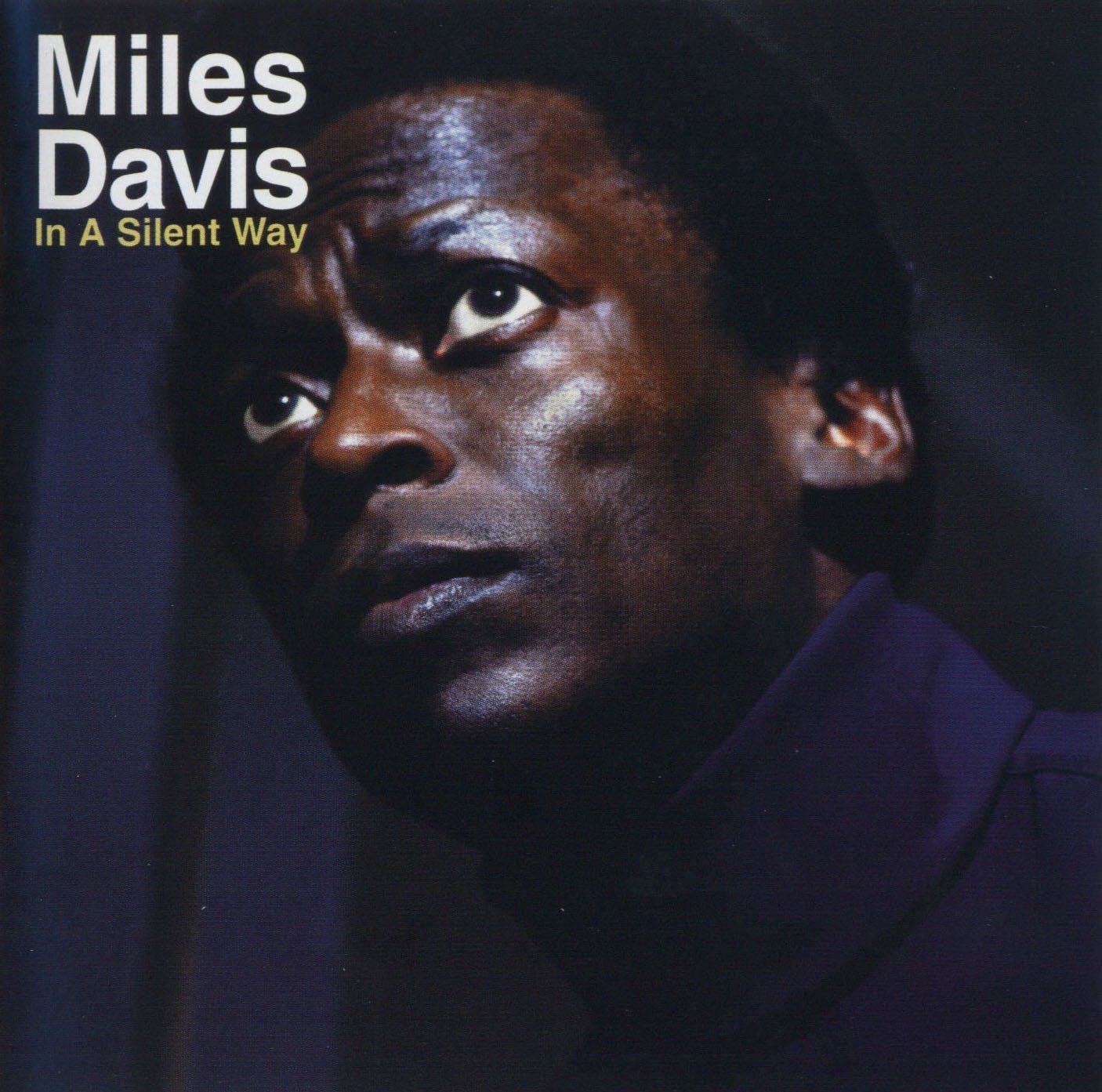
Session 1: Listening assignment. In class today we’ll listen to a selection from Miles Davis “In a Silent Way”. The track is called “Shhh/Peaceful” and is one of the recording industries first examples of looping. In 1969 digital recording was science fiction, so to accomplish looping the producer had to literally cut and paste sections of pre-recorded analog tape together and then play them on reel-to-reel tape machines. The results from this experiment were far reaching and today looping is used extensively in the recording industry.
Exercise 2: “Needle Drop Library”
Due: Session 2, Week 4 (7 points)
Description:
Start a collection of sound effects selected from currently available libraries. Soon we’ll be recording our own sounds to give our productions more distinct character. Recording your own sounds is usually far better that using “needle drop”. However, on occasion it is necessary (and often safer) to choose sounds from an existing library. I generally suggest avoiding online resources, but FreeSound.org is a massive, collaborative, database of community contributed sound recordings. This online community licenses the content under Creative Commons, making the sounds legally available for most uses. Curate five sound effects from FreeSound.org and five more sounds from the DIMA SFX Library.
Make sure that five of the sounds are incidental and the other five are ambient. BE CHOOSY! There are far more bad recordings out there than good ones. Listen carefully with headphones and read the descriptions to get what you’re after. Good quality sounds on Freesound.org will generally have descriptions that share the microphones and other equipment used to make the recording. Avoid sounds with low recording levels or clipping. Post the link to the original Freesound file, and the original name of the DIMA SFX Library sound along with two to three sentences on Canvas about each sound and upload the files organized as a .zip. Use folders or filenames to separate the incidental sounds from the ambient sounds in the .zip file. See the demo videos for details.
Requirements:
1. Collect five incidental recordings from FreeSound.org
2. Collect five ambient recordings from FreeSound.org
3. Use Adobe Audition to edit each incidental sound to 5 seconds or less in length
4. Edit each ambient sound to 10 seconds or less in length
5. Write two to three sentences about each sound and share the link on Canvas
6. Upload the edited and zipped files to Canvas before class starts on Week 4, Session 2.
Points Breakdown:
2 points are awarded for presenting interesting incidental recordings
2 points are awarded for presenting interesting ambient recordings
3 points are awarded for editing and describing the sounds
A note about rendering audio from Adobe Audition: Most of the assignments for this class require that you turn in a stereo, wav format file at a sample rate of 44.1KHz and a bit depth of 16-bit. This is the same as a standard audio CD. To render audio in this format from the “File” menu choose “Export” > “File”. In the dialogue box make sure that: 1) “File Name:” has a “.wav” extension, 2) “Format:” reads “WavePCM (*.wav, *.bwf)” and that “Sample Type:” reads “44100 Hz Stereo, 16-Bit”. Finally press “Ok” to render the audio file. It is important to understand that selecting a range in the “Waveform” view before exporting will only render that range. If you want to render the entire file, don’t select anything. Muting and soloing tracks is also reflected in the audio file when doing a multitrack mixdown.

Session 2: Let’s discuss how sound effects are used by audio industry professionals in radio, television, film, interactive games and online media. Let’s start the discussion by covering the distinction between ambient and incidental sound effects as requested for your upcoming “Needle Drop” exercise.
In the television and film industries incidental sounds are usually (but not always) considered diegetic sound. This means that the source for the sound is a visible event within the scene or its existence is implied by the setting. Doors closing and footsteps are typical examples of diegetic sounds. Ambient sounds are often (once again … NOT always) diegetic even though the sound source may not be visible. Things like traffic off in the distance, weather sounds, wind, and HVAC systems that contribute to the ambience of the space. Non-diegetic sounds neither have a visible source nor an implied source within the setting. Mood music, sound effects added to enhance a dramatic impact, and narration are all examples of non-diegetic sound.
In class exercise: As a group let’s make a list of ambient versus incidental sounds effects and identify them as either diegetic or non-diegetic.
The process of producing foley, field recordings, incidental, ambient, diegetic, and non-diegetic sound effects, are examples of sound design. Sound design includes a wide variety of categories. In addition to the former examples, sound designers produce sound for music, program patches for electronic instruments and synthesizers, produce sound for theatre productions, radio, podcasts, and online media, create audio for video games, and shape sounds using signal processing. Sound designers exploit sound spatialization techniques such as stereo, surround sound, binaural recording, and ambisonics to immerse the listener into the sonic environment. Recording and mixing engineers are usually responsible for ADR (automated dialog replacement), VO (voice overs), editing, processing and mixing.
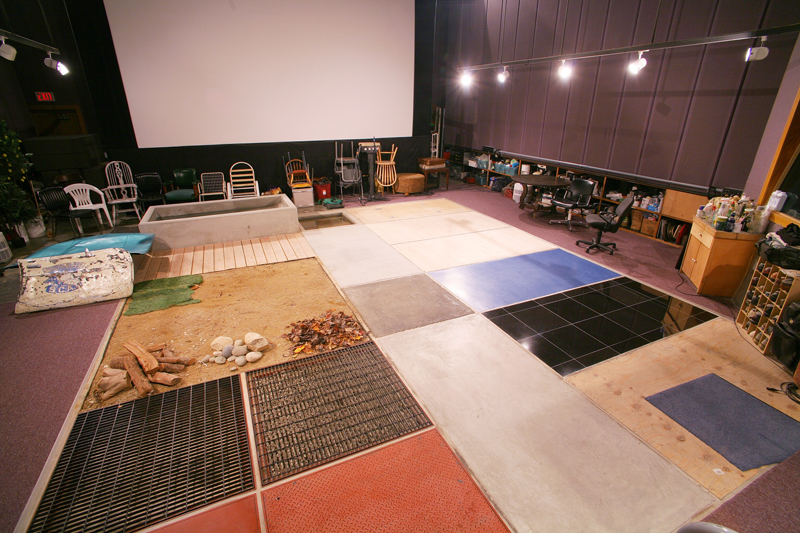
Often the work of sound designers is comparatively low tech, especially when Foley is involved. Ironically, in the 3D animated film WALL-E, Academy Award winning sound designer, Ben Burtt, taps on a slinky to create laser gun sounds and other mechanical techniques, like the classic thunder sheet, to create sounds in the tradition of Disney.