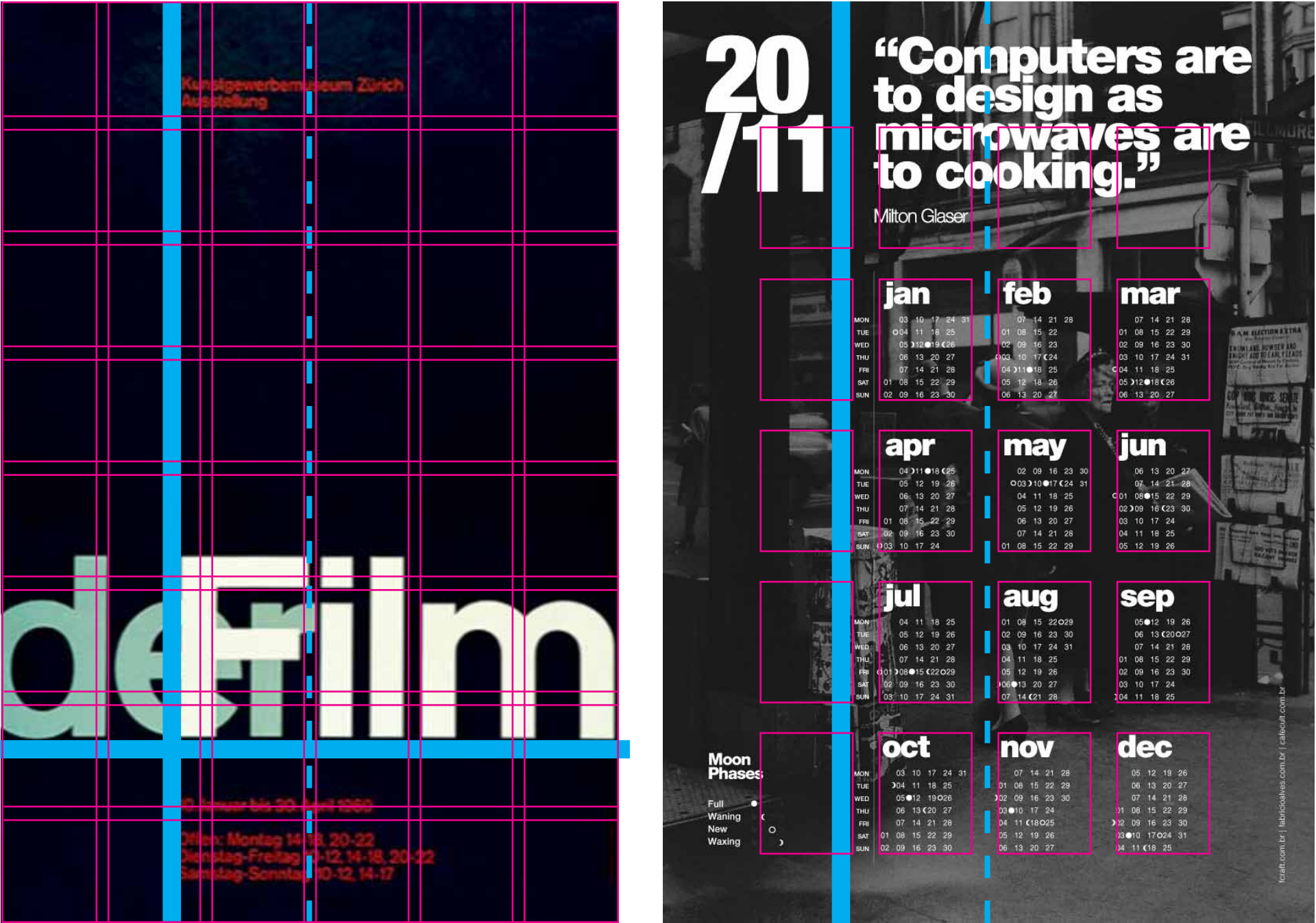
Session 1: Today I will be presenting a lecture on Page Architecture by Professor O’Donnell. Following the lecture I will discus the requirements for Project 4: Screen Design Mockups.
Project 4: Screen Design Mockups
Due: Session 2, Week 13
Description:
Produce a set of design mockups for an informational web application that about cycling. Use Wikipedia to gather your content. Draw from the web for images and inspiration. Choose a minimum of six cycling categories as items in the navigation bar. Your mockups will include a universal navigation system, text content, images, and a layout scheme. Use a grid system for the layout and content. Include a header, footer, and content areas within the layout. Select an appropriate color scheme and apply it to the mockups. Use graphics, a header logo, and typography that highlights the subject matter. Design three versions of the mockup. One optimized for mobile, another for tablets, and the third for laptop/desktop dimensions.
Content on Cycling from Wikipedia
Requirements:
1. Use a grid system in InDesign to create web mockups for mobile, tablet, and desktop devices
2. Design your mockups with user experience (UX) principles in mind
2. Use Illustrator to create a logo for the mockups
3. Collapse universal navigation for the mobile and tablet layouts to an expandable icon
4. Use appropriate graphics, colors, and typography for the web application mockups
5. Include header, footer, sidebar, and main content areas
6. Float appropriate images within the text content
7. Adjust and resize the layout and content for each device
8. Outline all the fonts and export each mockup as a PDF
9. Compress all the PDFs and .indd files into a zip and upload to Canvas by session 2 of week 13
Points Breakdown:
3 points may be earned for the design of your mockups and attention to UX principles
3 points may be earned for appropriate color scheme and graphic design choices
4 points may be earned for the web typography, logo, and consistency across devices
Relevant Resources
Media Queries
Creating Wireframes And Prototypes With InDesign
The S.M.A.R.T. User Experience Strategy

Session 2: Today we will discuss the user experience (UX) criteria for interactive web applications. One set of criteria that I find particularly useful is called SCANMIC. This acronym stands for screen design, content, accessibility, navigation, media use, interactivity, and consistency. An in depth article about SCANMIC is available here:
The SCANMIC Usability Criteria
Following the discussion I will be demonstrating how to get started on the Screen Design Mockups.
InDesign Lesson 5
Setup for web design mockups
Create a 12 column grid system
Using the drawing tools
Alternate and Liquid Layouts