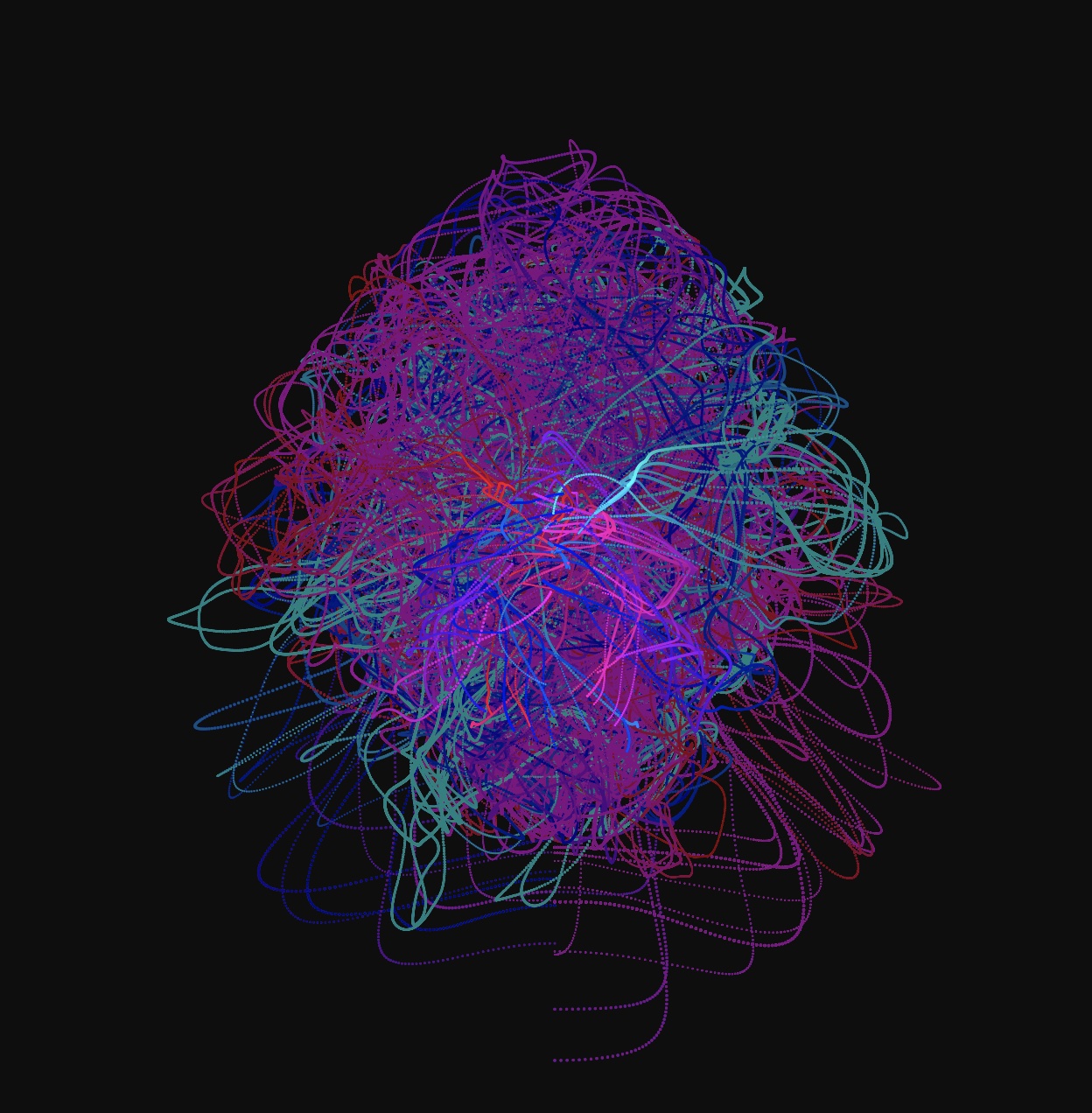
Session 1: This week we will begin looking at how to implement several sources of interaction. So far we’ve looked at mouse / trackpad controls. Now, let’s take a look at using HTML forms to control objects on an HTML5 canvas. Form fields include text input, radio buttons, checkboxes, drop down lists, and textfields. The P5js library has a DOM section that allows for the listening, selection, and creation of HTML form fields.
Problem Set 5: Using HTML Forms to Control the Canvas
Due: Week 7, Lab 1 (3 points)
Use the HTML forms and P5.js to enable a minimum of five input types that control the canvas. Consider using text fields, radio buttons, checkboxes, select lists, and range sliders. For example: a text field might control the number of objects displayed, a checkbox might be used to pause/unpause or reset the animation, and a slider could be used to adjust the speed, size, or color of the animated object(s).
1. Problems sets are due by the next lab or the specified due date.
2. Submit answers on Canvas uploaded as HTML, JavaScript, CSS, .zip or otherwise as noted.
3. Solutions to each problem set will be given during demos on the day that they are due.
Session 2: Today we’ll start by looking at your HTML5 and P5.js OOP projects. Afterward let’s take a look at DAT.GUI and other JavaScript GUI Libraries.
Lab: Today I will demonstrate what’s required to complete Problem Set 5 and answer your questions. We’ll also continue looking at DAT.GUI and its alternatives. Next week we will dive into using sound and video as a source of input.